
Deleted Profiles and Data Retention
PodPlay's data retention policy is strict and straightforward:
If or when a Customer wants to delete their account or information from the system, they are in complete control to do so.
In compliance with GDPR lawfulness, fairness, and transparency, an Admin cannot delete a Customer’s account for them. Instead, the Customer is given complete control over their data.
If the Customer wants to delete their Profile, they can:
Navigate to the Account tab of the App
Click on Account Info (the top button)
Click on Delete account (bottom button)
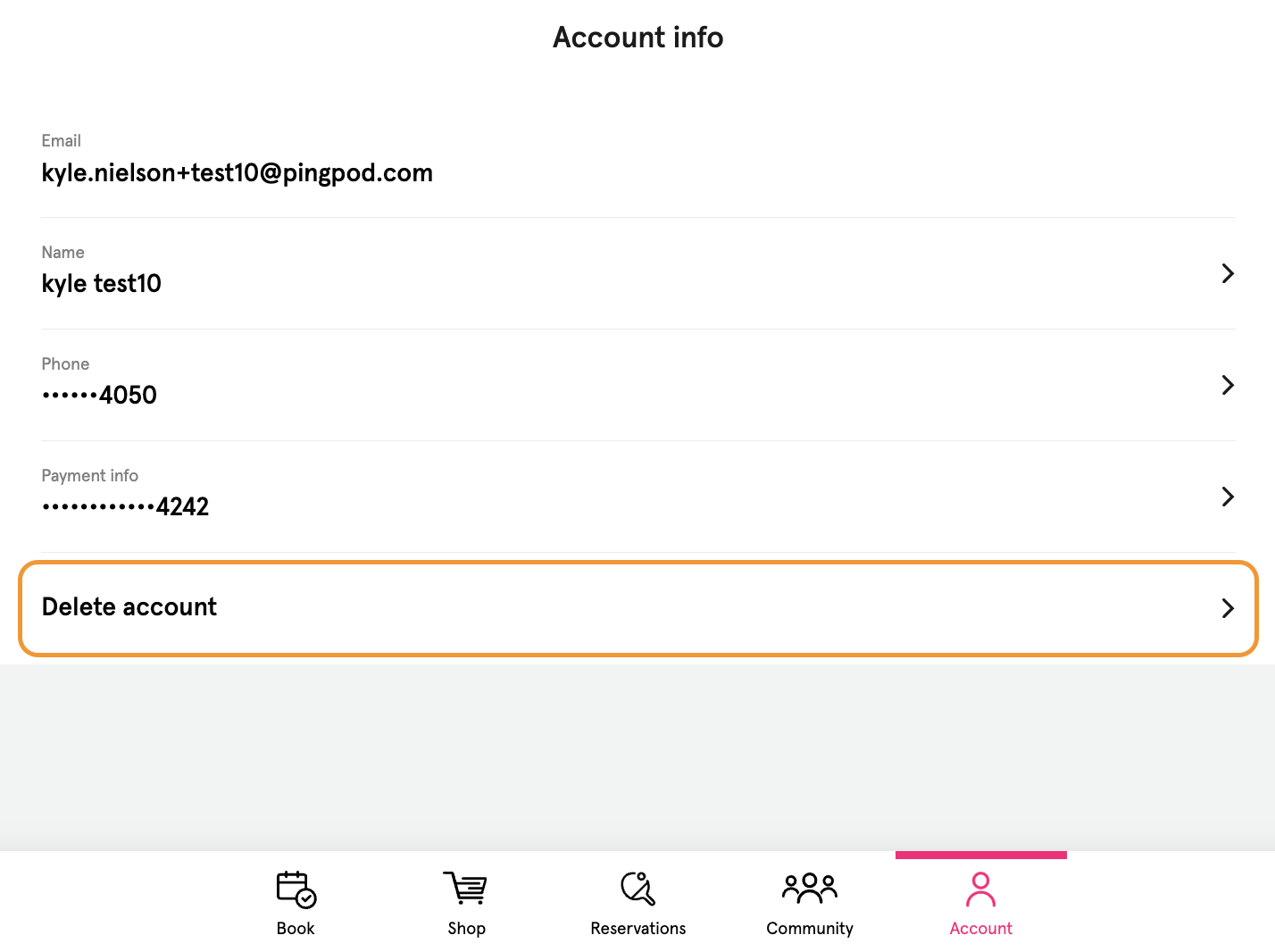
By clicking on the “Delete account” button, a pop-up will appear:
“Are you sure you want to delete your account? If you delete your account, [Club name] will no longer keep your data on file.”
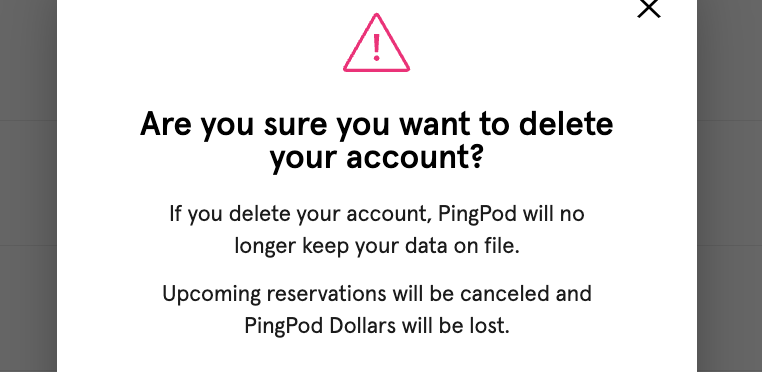
Once a Customer confirms and clicks the “Yes, delete my account” button:
All upcoming Reservations and Event signups are canceled
Any held Virtual Credits are deleted
Their email and name are redacted/edited
You will not be able to search for them in the Dashboard
PodPlay will not be able to search for them in the database
In the case where a Club is on the PodPlay Pro or Autonomous tier, there may be Replays in the system of when the Customer captured a Replay. Read this article for more information: Video Retention Policy. The TL;DR is:
Security footage = 30 days, then deleted forever
Video feed from Replay cameras = 48 hours, then deleted forever
Replays captured = retained in the Customer’s Profile until deletion
Related article: Automated Emails from PodPlay (for when a Customer wants to “unsubscribe”)