
Overview of DUPR Ratings or Custom Ratings
The PodPlay system allows for two types of ratings inside a Customer’s Profile:
A Custom Ratings
Or a DUPR Ratings
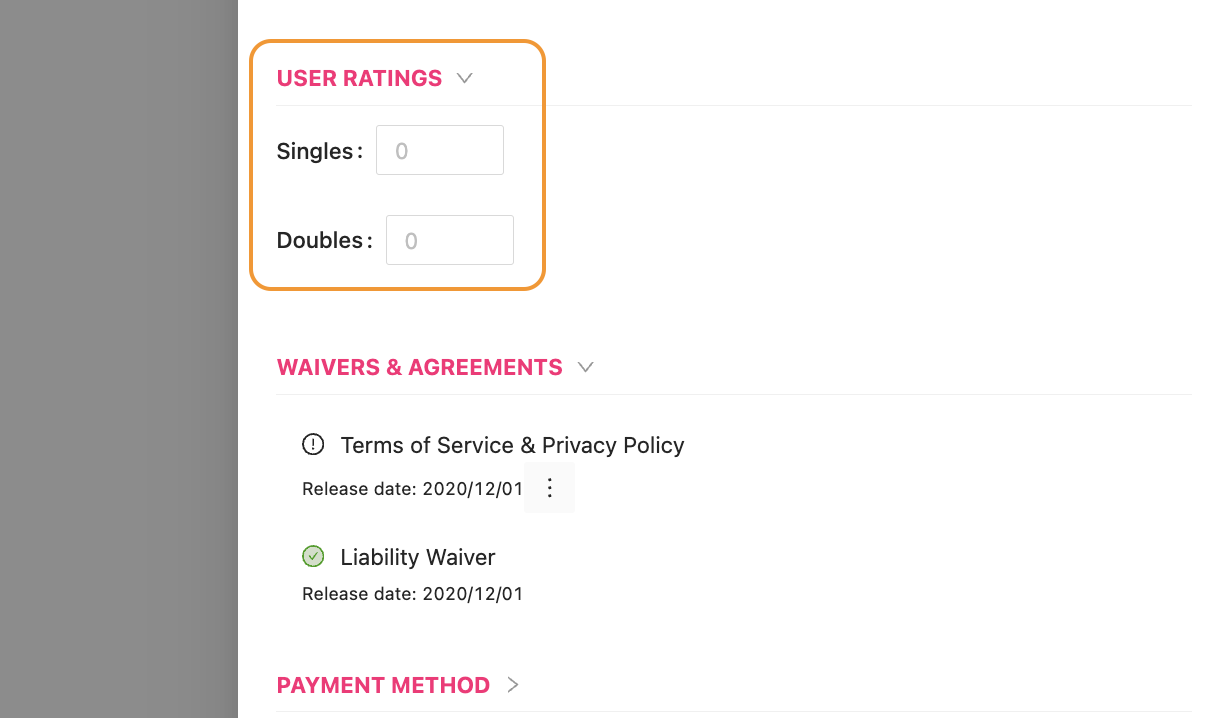
When a Club chooses to use the Custom Ratings option, any Admin can enter in a numerical value inside the Customer’s Profile
This numerical value is a static value and does not change unless an Admin goes into the Customer’s Profile and changes the value
To connect with the DUPR ranking system:
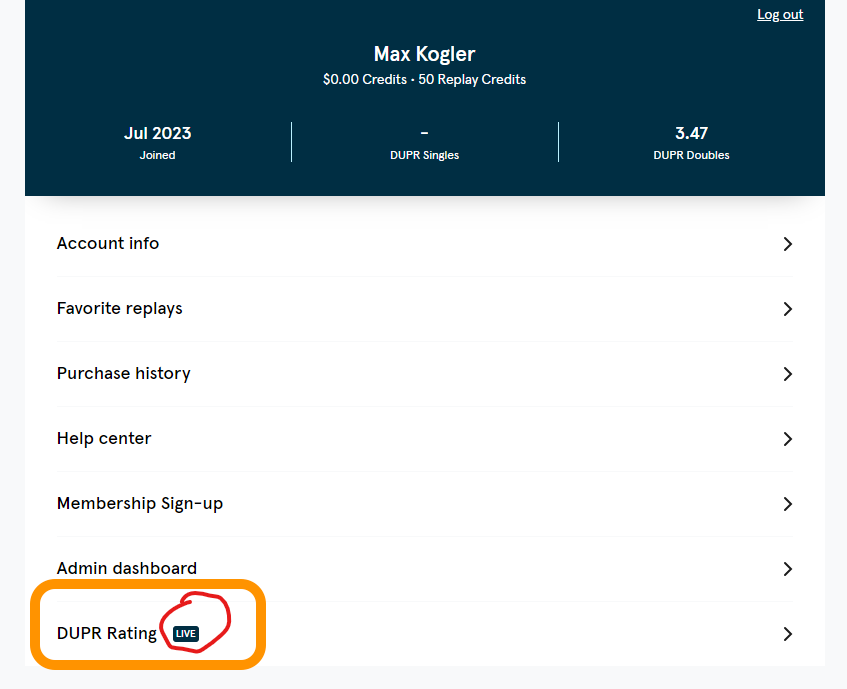
A Customer will click on the DUPR Rating button in the Account tab of the app
Once the Customer has connected their DUPR account, the DUPR Rating button will show a “Live” flag
There are two aspects to the ranking system connection:
First, the Read function allows PodPlay to connect with a DUPR account through Auth0
It reads the DUPR account of the Customer and pulls their ranking or rating into their PodPlay account
Second is the Write function, which will copy the Scoreboard results after a match or game and send it to the ranking system for historical accuracy
If everyone in the match or game has a DUPR profile, PodPlay will be able to send the Scoreboard results to the DUPR system and automatically update the ratings of those players involved in the game
If someone in the match or game does not have a DUPR account connected, the DUPR system will not know what to do with the information and will not record the results, so the DUPR Challenge Match will not be functional
An Admin can then set a required rating during the Event creation flow
They will set the rating requirements, which will mean that any Customer who does not meet the minimum rating will not be allowed to join the Event
To learn more, read about Creating a DUPR Gated Event