How do Customers keep score?
When a Club is on the PodPlay Pro plan and offers their Customers the Replay and Scoreboard functionality, the Club is provided with Play buttons.
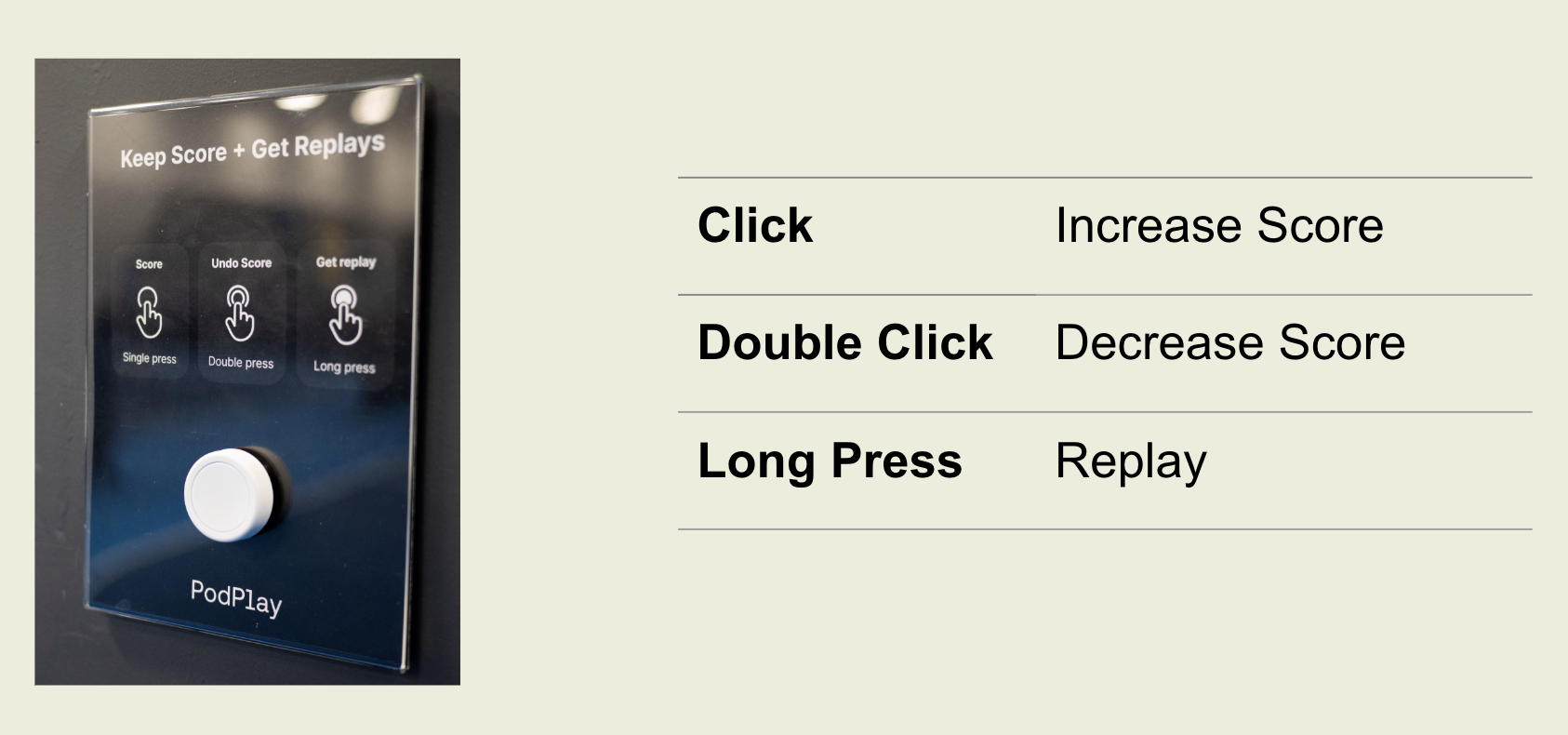
Once these Play buttons are synchronized to each kiosk and monitor of a court, Customers playing on a court can use the Play buttons to count their scores. To do so, a Customer who scores a point can
Click once to add a point
Click twice to remove a point
Click and hold to capture a Replay
These three actions are performed by the Customer’s team who won the rally, even if that team did not win the point, they will click the Play Button
Customers who finish playing on the court can either
Return the Play Button to the Front Desk (if your Club is using the wristbands)
Leave the court and allow the next Customers on to the court to play (if your Club is using the PodPlay plaques on the fence or wall behind the court's baseline)