
Customer Request Portal
Edited
A new "My requests" button on the top right of the knowledge base will track feature requests and issues submitted through the portal
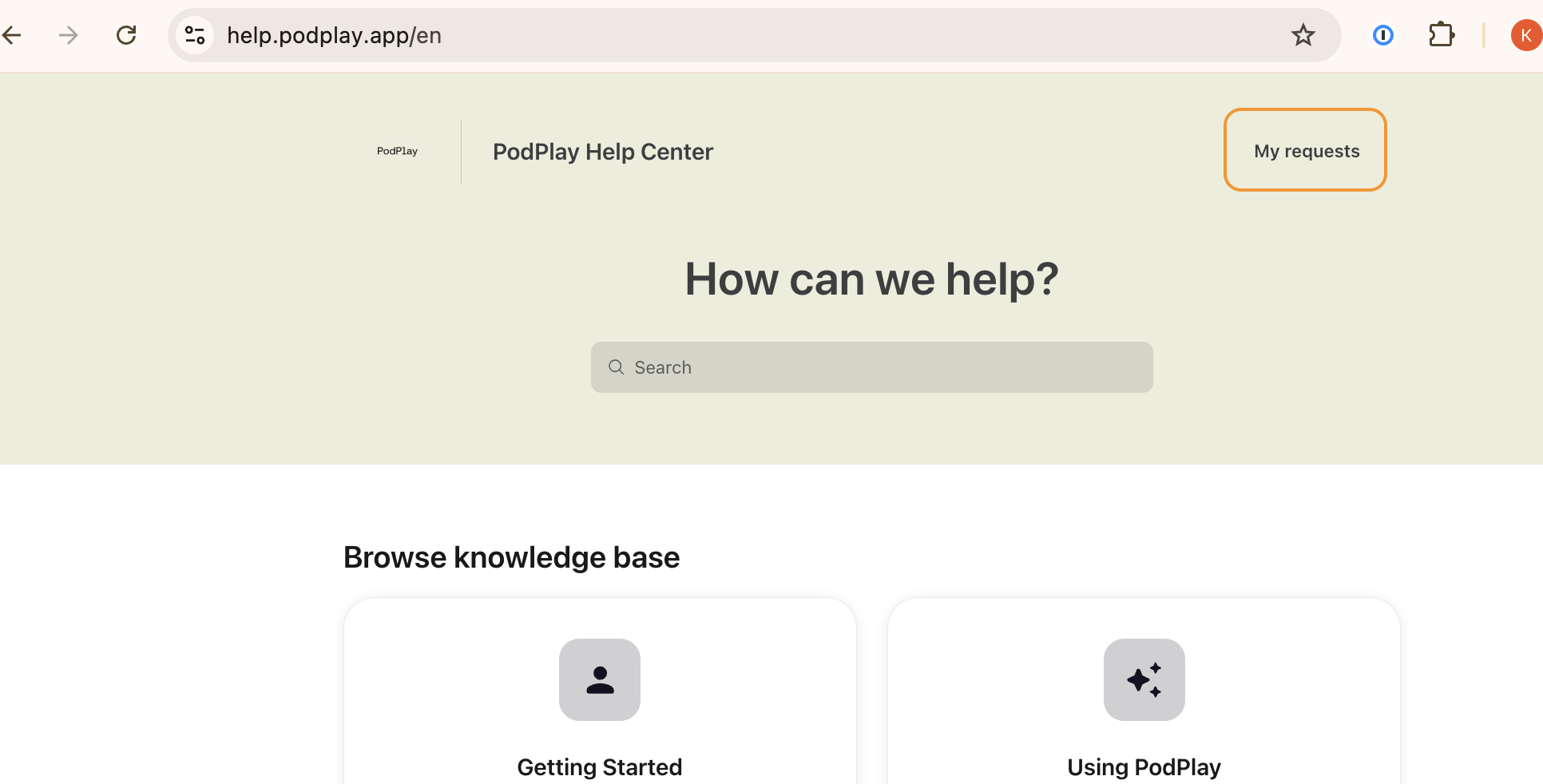
You can now log into their Request Portal and track exchanges with the PodPlay Customer Success team
Alternatively, you can also email to [email protected] with a request and if the PodPlay CSM receiving your request cannot complete it immediately, they will create a ticket inside the Request Portal
Please note: if you submit requests through Slack, while the Request Portal will not track these issues, our internal team is tracking them
This means that the Customer Request Portal is tracking requests coming only from the Request Portal or through email
Tracking Feature Requests
Client Tracks Requests