
Reviewing Match Points
Edited
Please note: the match and game points scored can only be reviewed on the iOS and Android apps; they cannot be reviewed on the web app.
To review the points captured on a Scoreboard during a Match or Game, the Customer can
Navigate in their app and go to their Reservation or My Booking tab
Click on the History tab at the top
Now the Customer can view all of their previously attended Reservations and Events
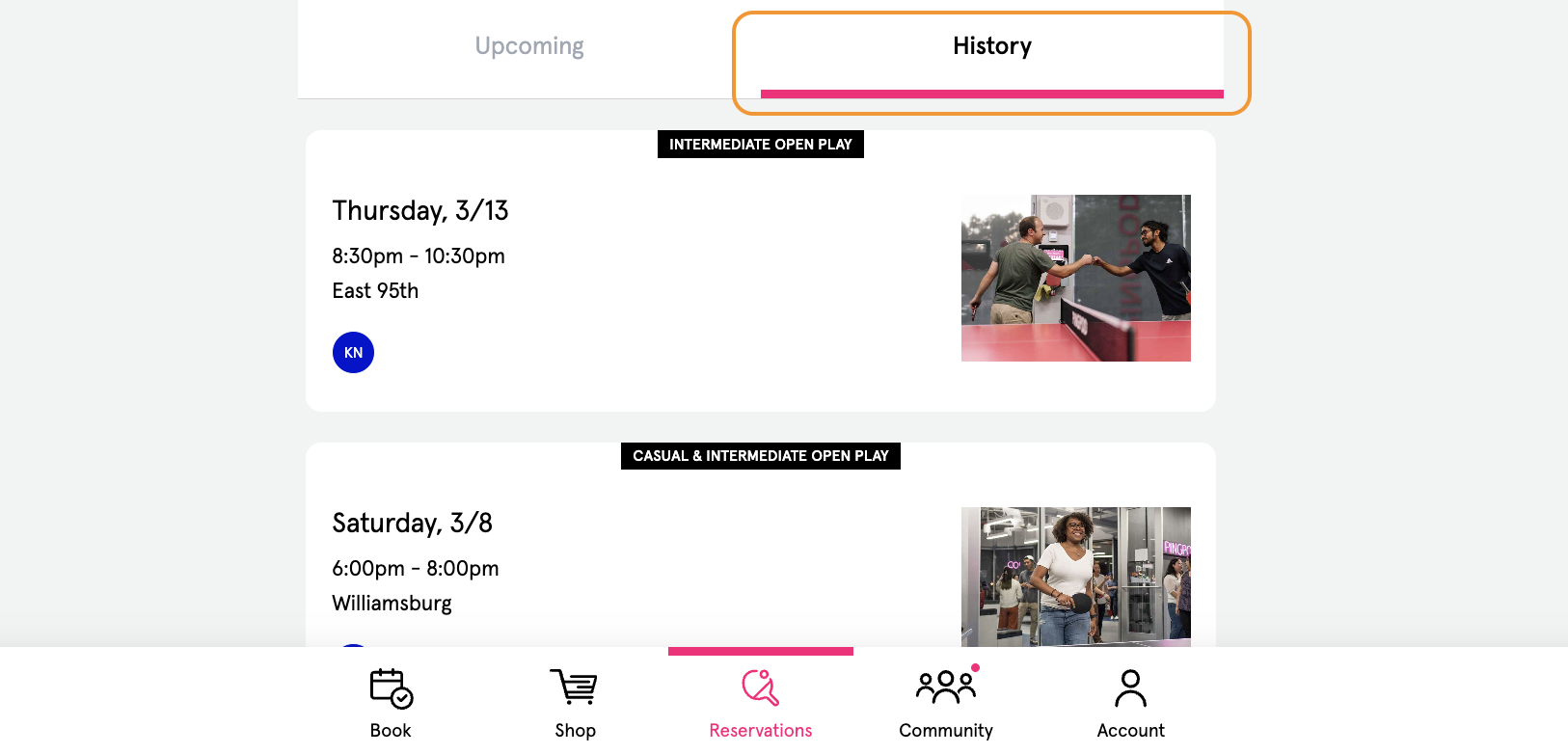
Click on the specific Reservation or Event to review
Scroll to the bottom of the Reservation or Event, past any Replays captured (or the Event description)
View and read the points scored during a match
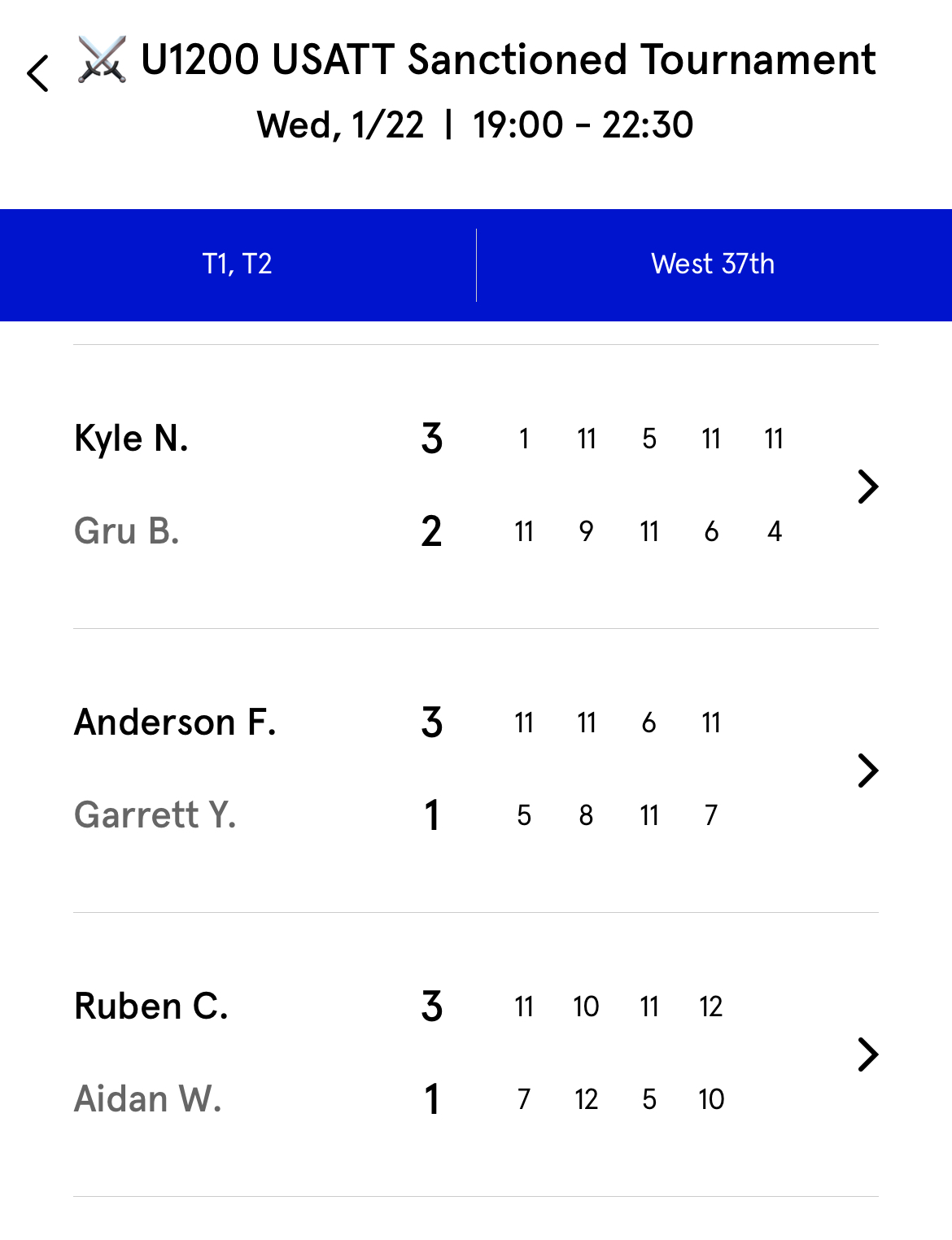
Find Game Points
Find Match Points