
Sending Invitations to a Reservation
Once a Customer books a private Reservation, they land on the “You’re booked!” confirmation page. The Customer will have a prompt at the bottom of the screen to “Invite Friends →”

Once the Customer clicks on this button, there are options to invite their friend with:
A “Paid invite (they pay)”
By sending this out, the Reservation Holder is saying their friend will pay for their spot
A “Free invite (you cover)”
By sending this out, the Reservation Holder is saying their friend can join for free and the Reservation Holder will cover the cost of their spot
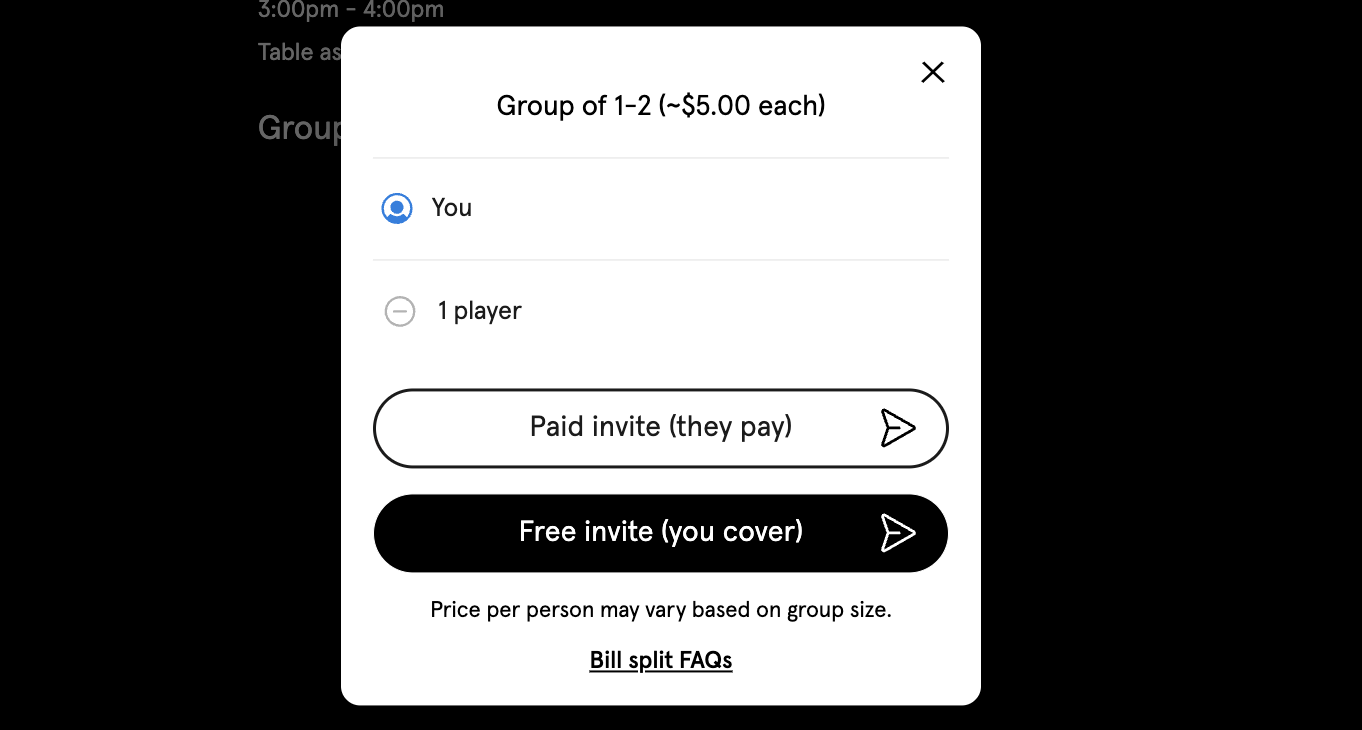
The Reservation Holder can send out as many invitations to friends as needed, and the cost of the Reservation will reduce accordingly (# of participants / cost = price per player).
To learn more, read about Court+ Bill Splitting