
Book a Coaching Lesson
Any Customer can book a private lesson (Reservation) with a Coach directly through the App.
As part of the UI update in 2025, Customers will see a unique tab at the bottom of the app called “Lesson” and will book a Coach through this tab.

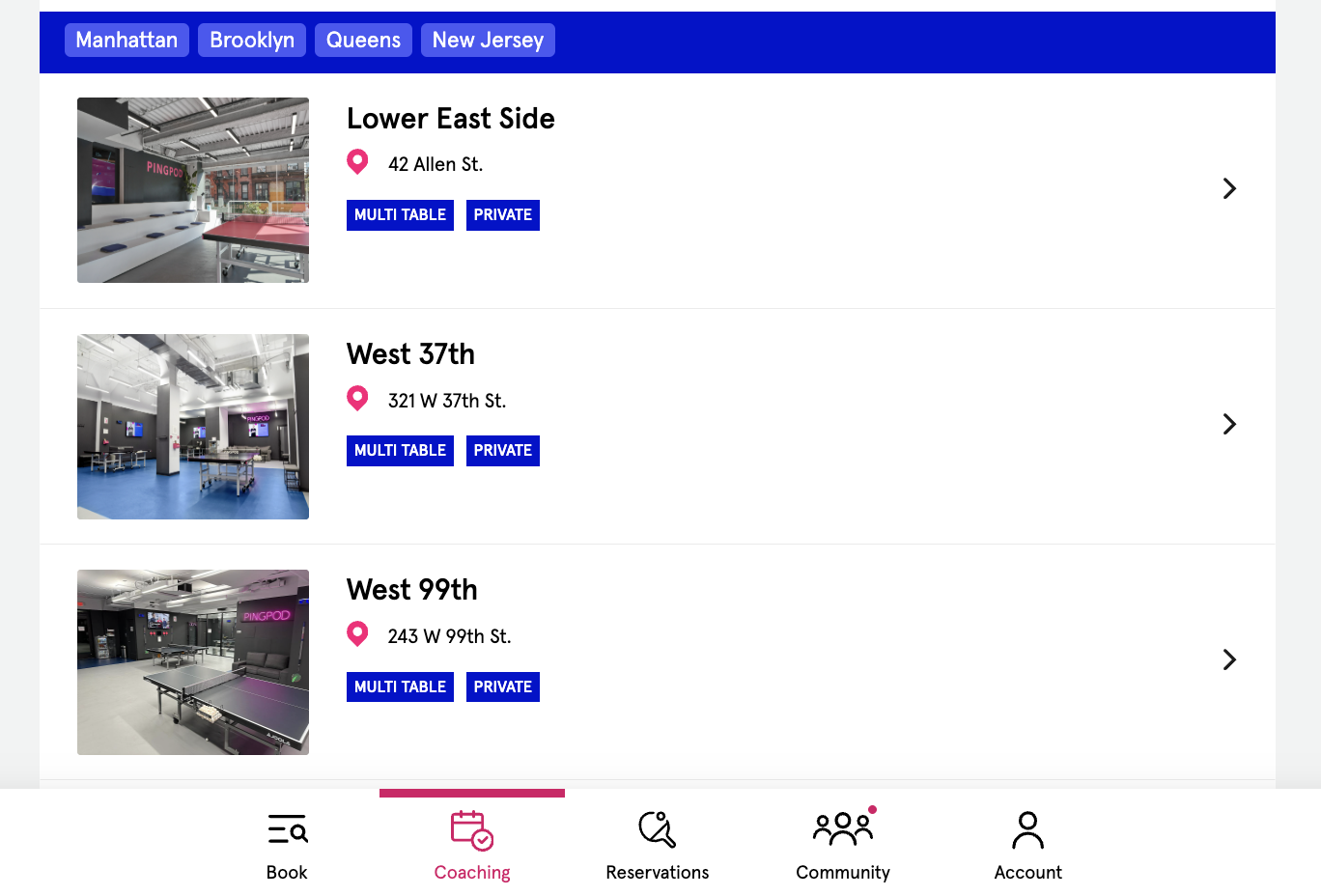
When a Customer is on the Lesson tab, they will see the different Club locations. If your Club only has one location, they will not see a location selection.
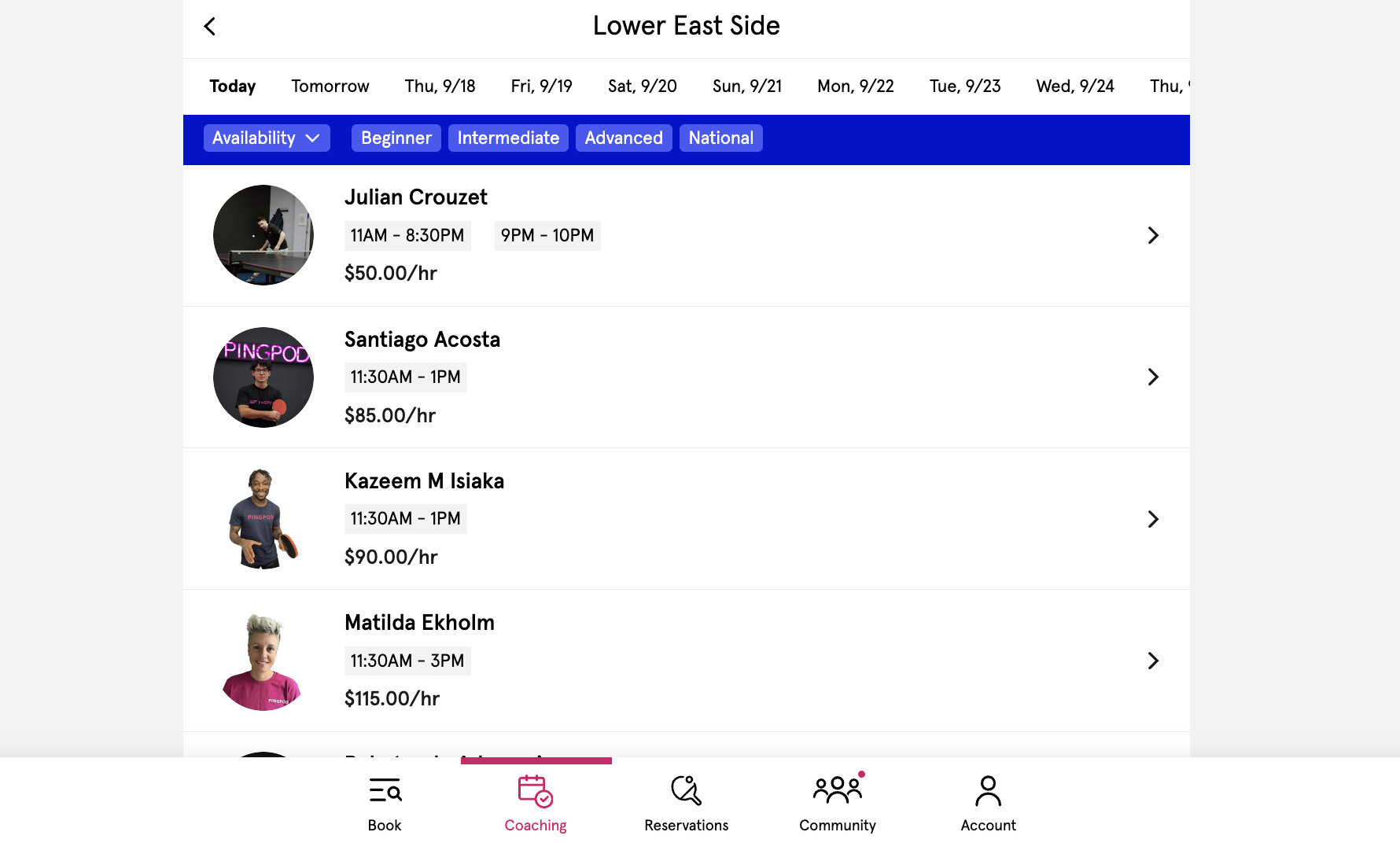
After selecting a location, the Customer will see each Coach who is available to teach a Lesson at that location.
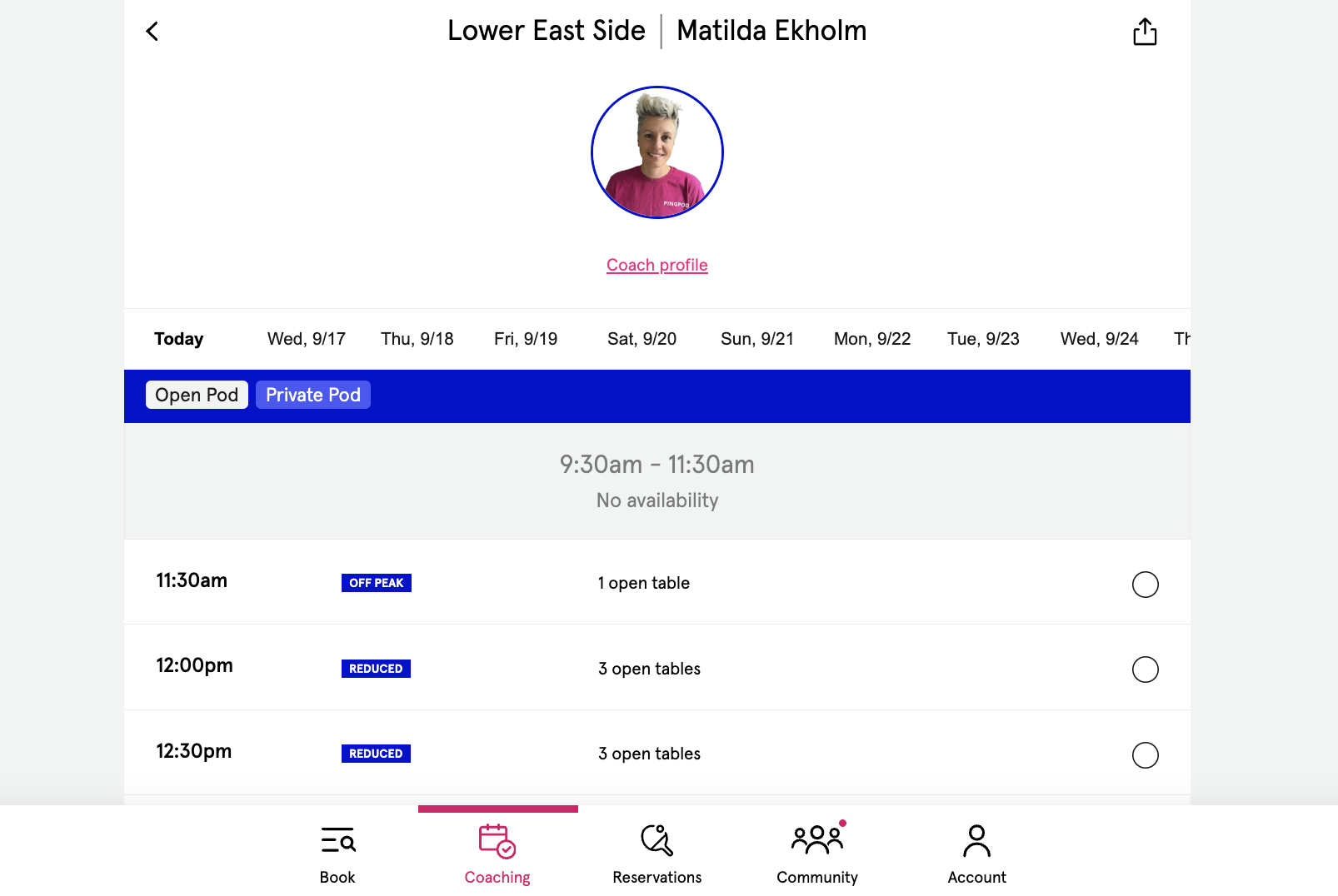
When the Customer selects a Coach they would like to a Lesson from, the Coach’s Profile remains at the top of the page, and their availability by date is below.
Customers can click on the Coach’s Profile and read more about the Coach.
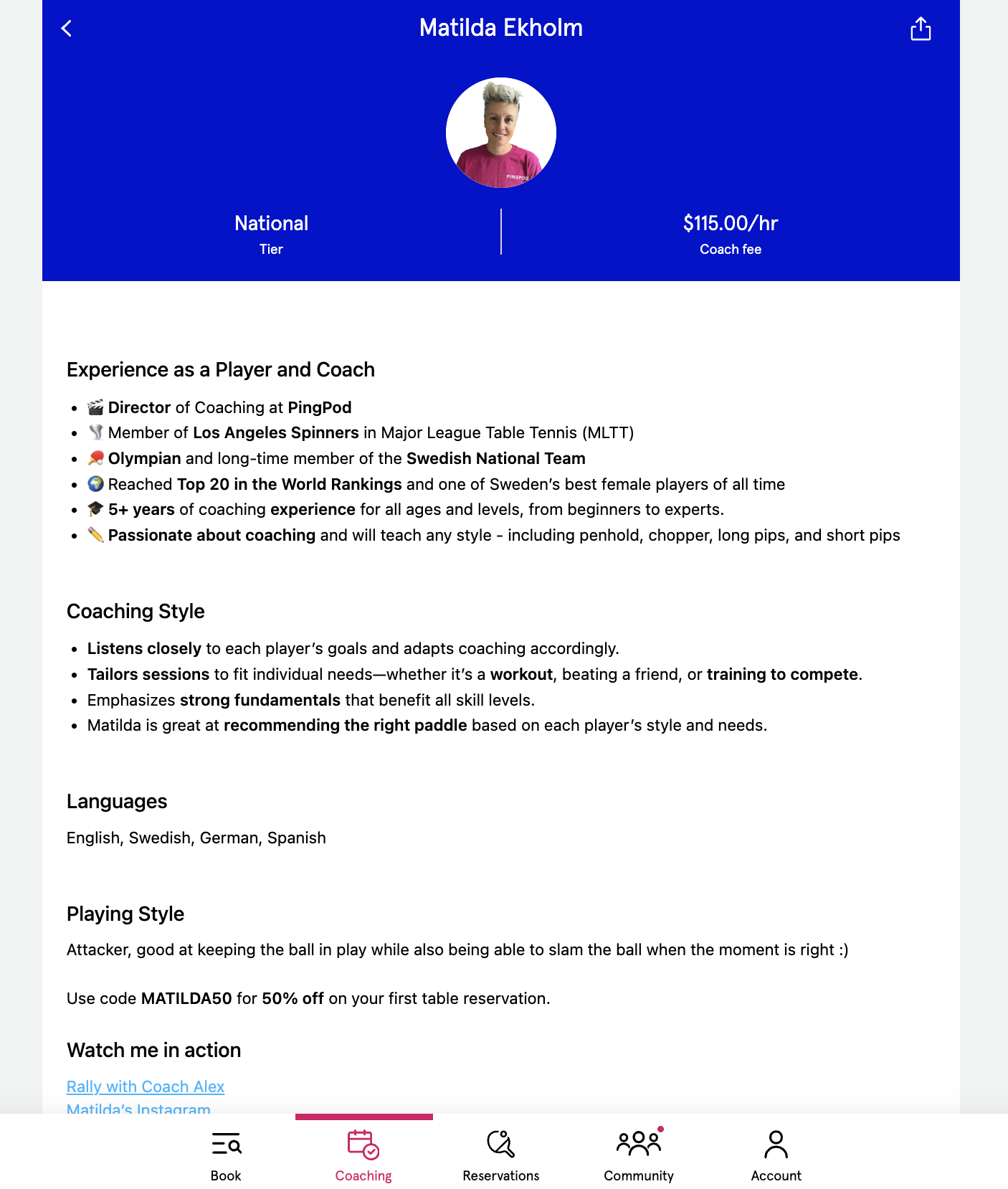
Coaches can edit their Profile details inside the Coach page of the Dashboard.
After the Coach is booked, the Reservation Holder can split the cost of the Coach with other players (on Court+ pricing only, and only if the Coaching lesson is for more than 1 Customer).
Once a Customer completes the Reservation booking, the Coach will receive an email request from the system, stating a Customer has request to receive a lesson
The Coach is responsible for accepting or declining the email invitation
If the Coach wants to accept the lesson invitation, they can click on the link in the system email and accept
If the Coach wants to decline the lesson invitation, they can click on the link in the system email and decline
NOTE: It’s important for the Coaches to accept or decline Customer invitations for lessons because when a Coach does not interact with the email, the Customer will still have the Reservation booked