
How to Limit Player Quantity in Events
An Admin can limit the number of Customers who participate in an Event within the Event settings. By writing the preferred number into the “Capacity and Admission” section during the Event creation flow, the total participants will be capped.
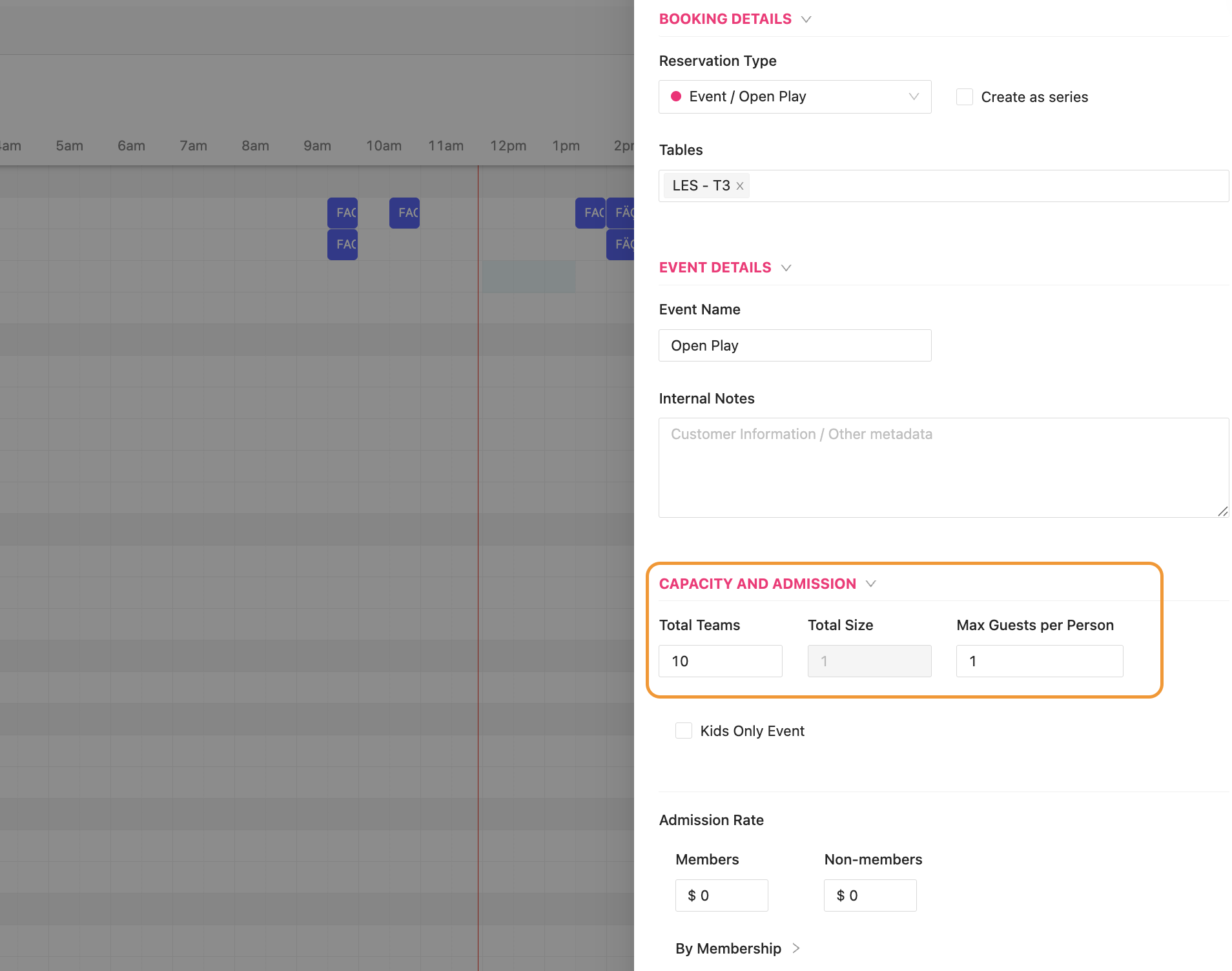
For example, when an Admin chooses a Total Teams quantity of 10 and a Team Size of 1, this means 10 Customers can join the Event.
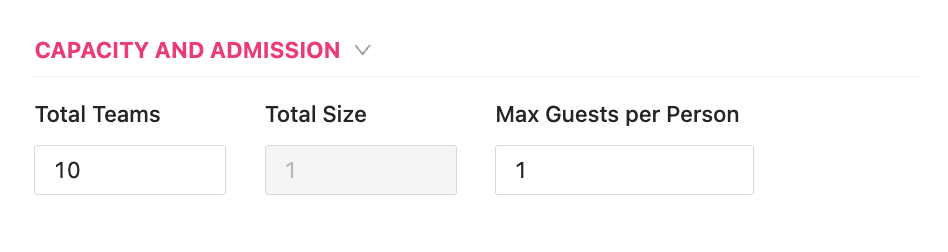
If there is a value >0 in the “Max Guests per Person” text box, then a Customer could signup for an Event and pay for a Guest during the Event signup flow. If a Customer signs up and pays for a Guest, this counts as 2 toward to the total of 10 possible Customers who can sign up for the Event.
PLEASE NOTE: the “Total Size” should remain at one (1) until the Team Signup feature is available. The Team Signup feature is not yet live, and therefore the Total Size section should not be changed.