
Unlock Door Button
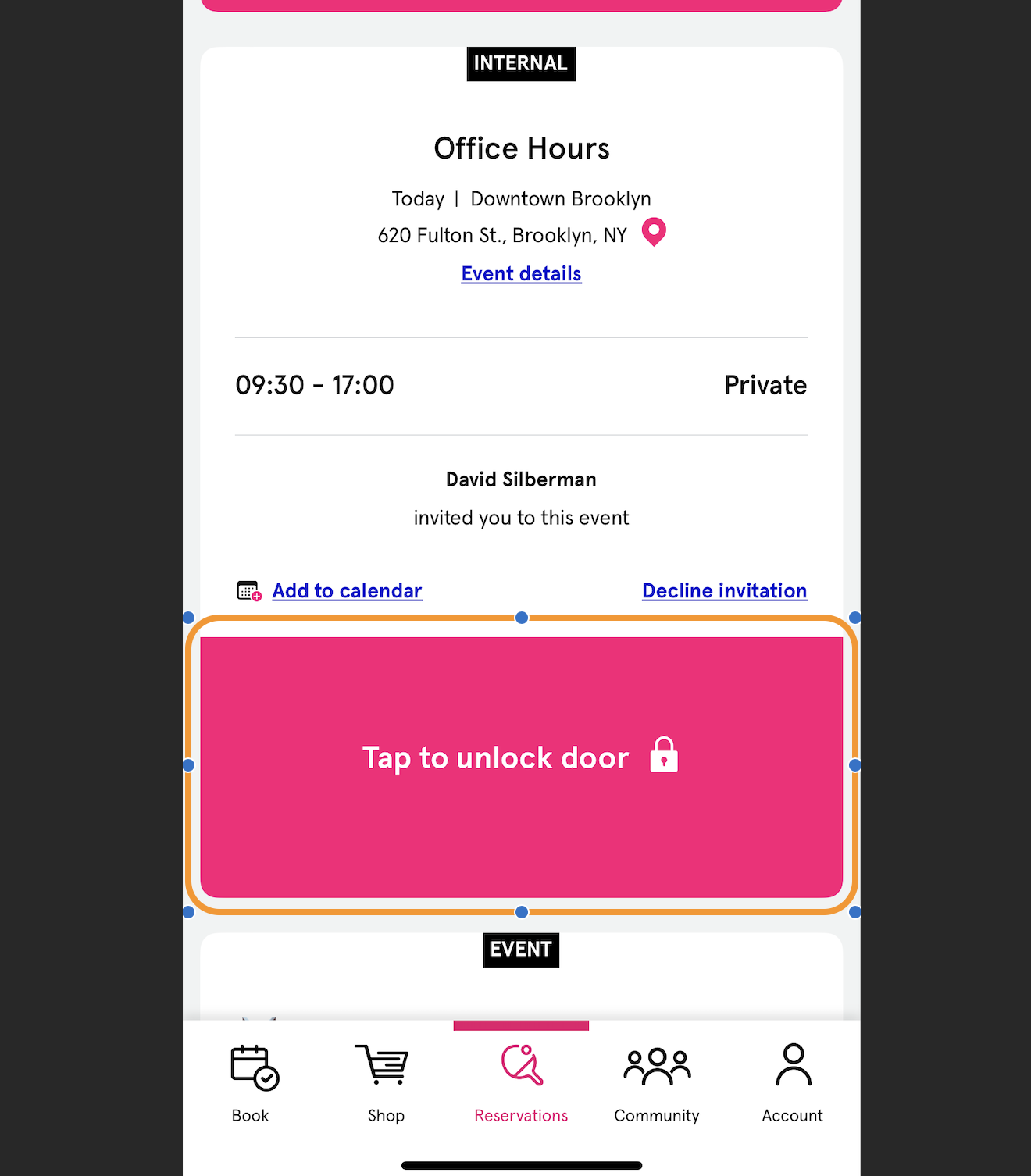
When a Club has installed Autonomous Security, any Reservation or Event a Customer signs up for will show an Unlock Door Button
This button becomes visible in the Reservation tab of the App before any Reservation or Event where a Customer will participate
The amount of time the button becomes visible before the Reservation or Event starts is configurable
If your Club would prefer to have this button become visible 10, 15, 20, or 30 minutes before the start of the Reservation or Event, please let your PodPlay Customer Success Manager (CSM) know how to configure your environment
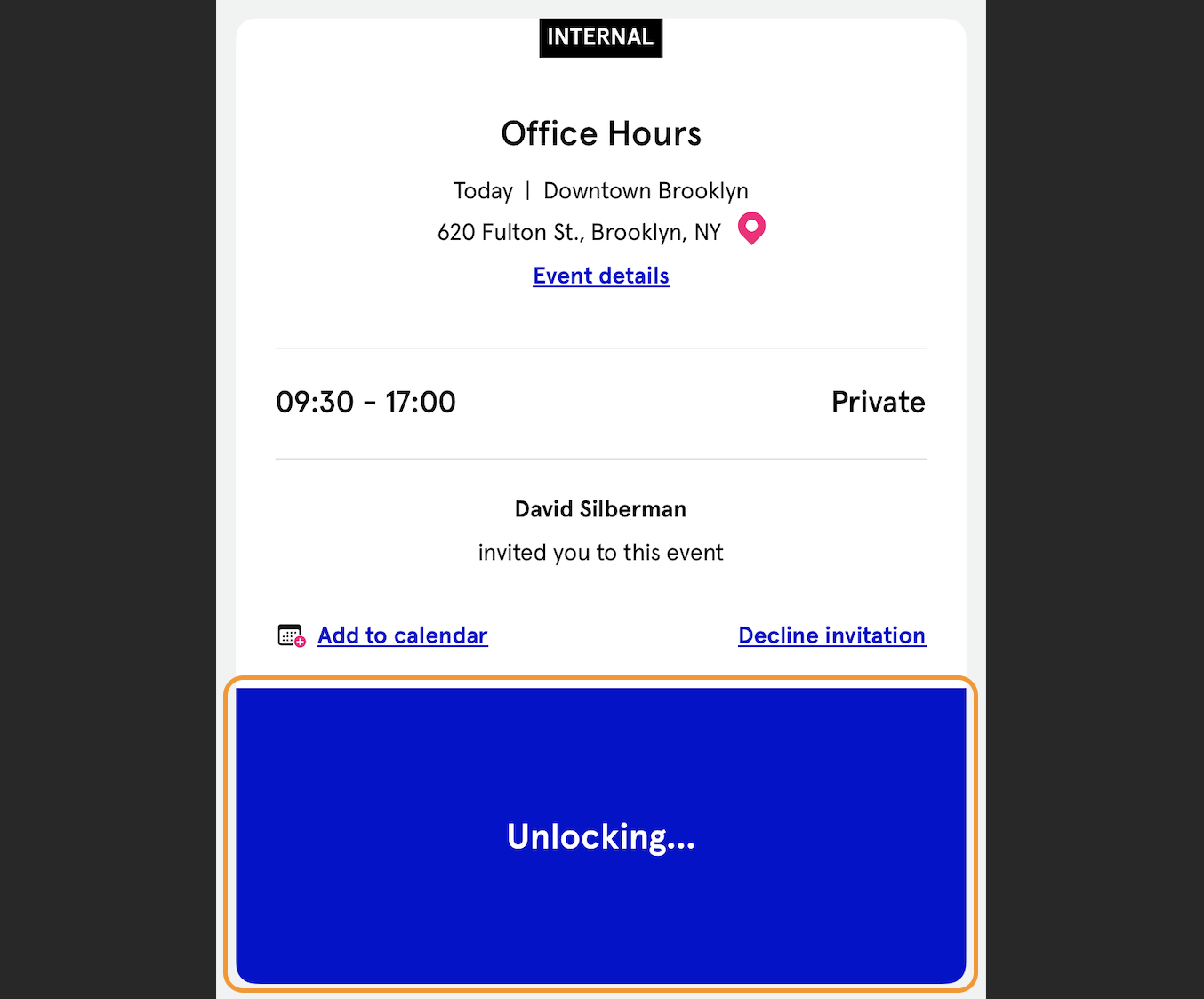
Once the button is clicked, there is a brief moment where the button says “Unlocking…”
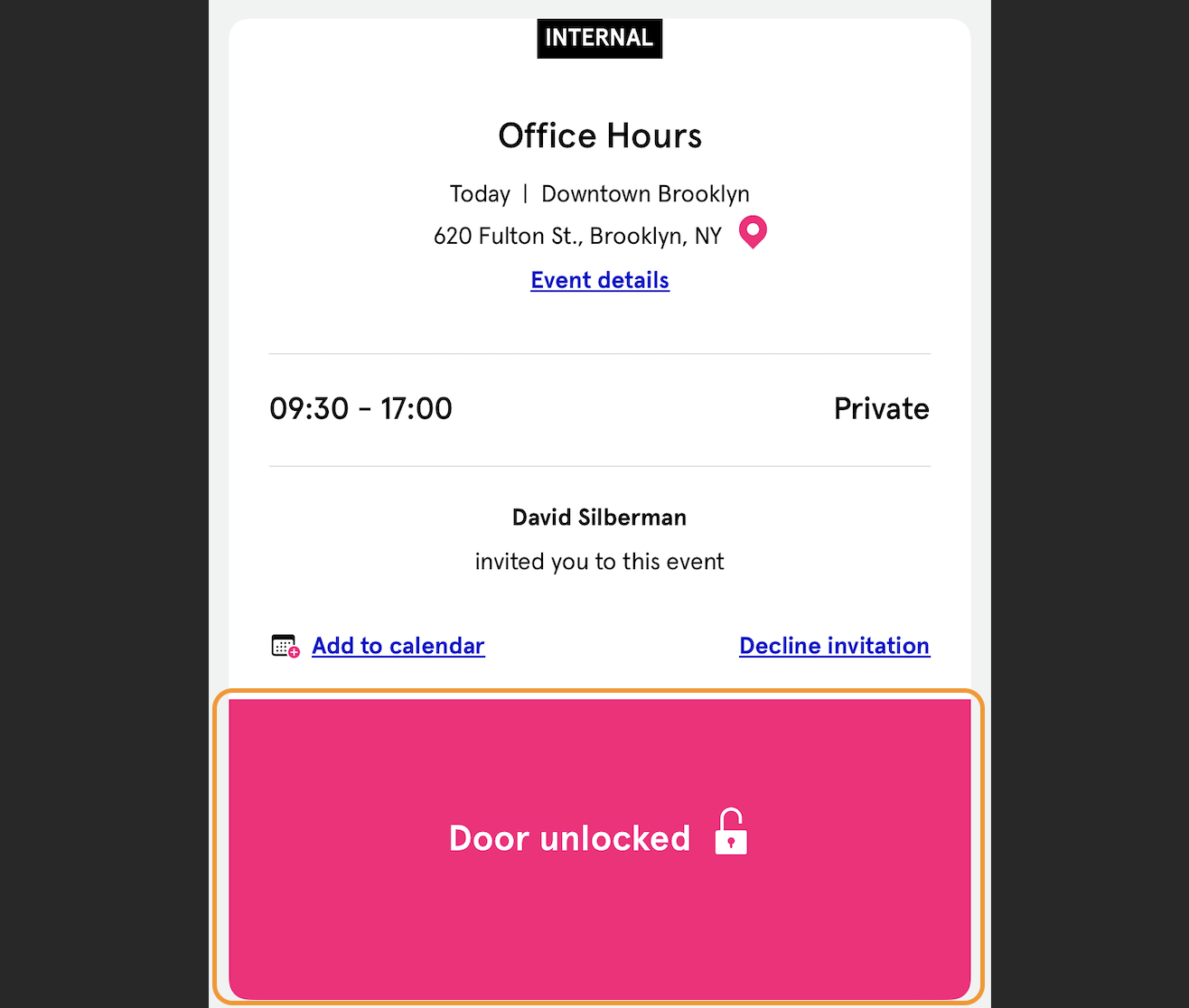
Once this “Door unlocked 🔓” text is visible, the Customer will be able to open the door and walk into the Club
If a Club does not have Autonomous Security, the Reservation tab of the app will show a Check-in Button instead of the “Tap to unlock door” Button
To learn more, read about the Check-in Button