
Reviewing and Countering Disputes
A Club can now manage their Customer’s disputes from inside the Stripe Express Dashboard, giving you more control over your transactions.
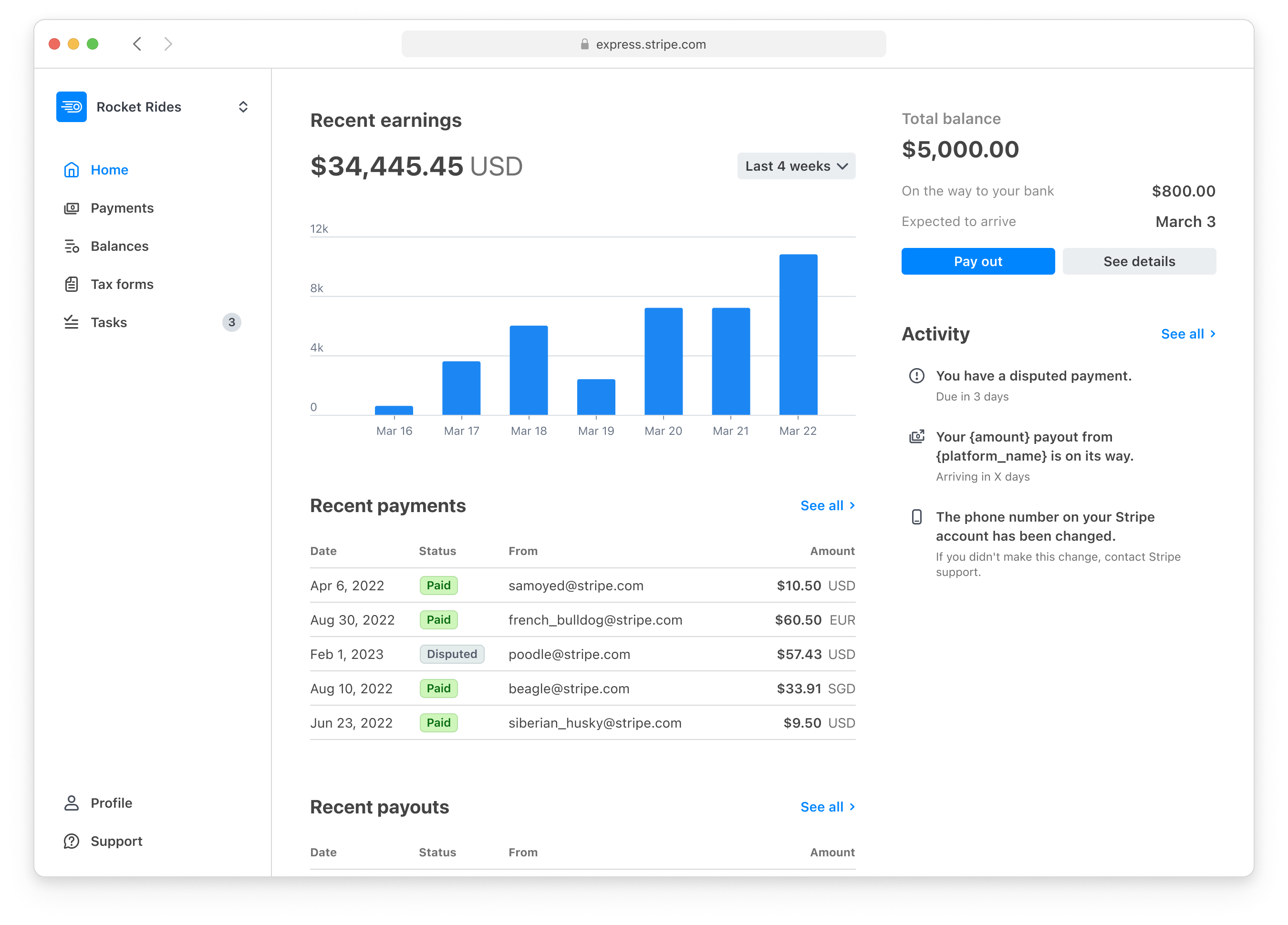
When inside the Stripe Express account, a Club can now review and respond to disputes.
TO REVIEW DISPUTES
Login to your Stripe Express account (click here)
Click the button "Payments" on the left side of the screen
Click the “Disputes” tab at the top (directly under the Payments header)
PLEASE NOTE: Stripe’s UI does not show the “Disputes” tab if there are zero open disputes. If there are zero open disputes, and disputes have been previously won or lost, the status will not show as “Succeeded” in the “Payments” page.
All of the disputes in this section of your Stripe Express account will have a status flag. The different status flags are as follows:
Action Required - a Customer has recently disputed a charge and action can be taken by the Club
In Review - the Club has countered a dispute and Stripe is reviewing the evidence submitted to counter the dispute
Dispute Lost - evidence was submitted and a decision has been made by Stripe to side with the Customer who disputed the charge
Dispute Won - evidence was submitted and a decision has been made by Stripe to side with the Club who countered the dispute
To learn more about the dispute process, read the Stripe Dispute Overview article, specifically the “WHAT HAPPENS IN A DISPUTE?” section.
COUNTERING A DISPUTE
When within the Stripe Express account Dashboard:
Click the button “Payments” on the left side of the screen
Click the “Disputes” tab at the top (directly under the Payments header)
Find a dispute that says “Action Required”
Notice the “Disputed on” date and time
Click on the “All” tab at the top (directly under Payments header)
Click the “Filters” button near the top right
Toggle on “Date” and select “is before or on”
Enter the date you noticed on the dispute
Toggle on the “Amount”
Type in the exact amount of the disputed charge
Click on the charge that has an “Action Required” status flag
Notice a side panel pops up
Click “Counter Dispute” and submit evidence to Stripe to counter the disputed charge
BEST PRACTICES FOR COUNTERING DISPUTES
The best method is to contact the customer who disputed the transaction, find a resolution with the customer, and request that they rescind the dispute with their bank or credit card company.
If you cannot contact the customer or would prefer to counter the dispute without contacting the customer, the Club should counter the dispute via the steps above.
When it comes to going through the multiple choice and open ended questions in the “counter dispute” process, try to be accurate and clear in your writing.
CONTACT THE CUSTOMER
When your Customers’ disputes a charge, you can send the below drafted email to your Customer, asking them to retract their dispute:
Hi name,
We hope this email finds you well, we're sending you this email regarding a recent dispute that you have opened with your bank for a recent charge. Said charge was for your [Date of Res.] reservation in our [Location] from [Time of Res.]
We'd like to know more on why this dispute was opened and if there could be any other alternatives or solutions that we can provide and possibly ask to have the dispute dropped.
Thank you for your patronage,
Please note: based on extensive experience over five years, we’ve found that even when a Club provides overwhelming evidence of a wrongful dispute, Stripe and the credit card provide favor the Customer’s side of the dispute (~90% of the time). Because of this, we always recommend asking the Customer to retract the dispute directly with their credit card provider to recover the charge.