
API Quickstart
PLEASE NOTE:
APIs are available for PodPlay clients on the Pro or Autonomous plan. APIs are not available to PodPlay clients on the Basic or Basic+ plan.
This is a living document we continue to update as we iterate on our APIs.
API Overview
Application Programming Interfaces (APIs) serve as bridges, enabling different software applications to communicate with each other. APIs define the rules and methods for how one piece of software can request data or services from another piece of software.
When connecting our APIs to external software, unless otherwise specified in a Statement of Work (SOW), you are responsible for managing the connection to our APIs.
The best way to understand the APIs is to open the developer tools in your browser and review requests being made on the Admin Dashboard. The PodPlay API powers our entire system. Everything you see on the Admin Dashboard or Customer-facing site uses the same APIs that you are about to access.
The Swagger page is an interactive web interface that displays and documents REST APIs. It’s similar to a user manual for developers who want to understand and test an API. Our Swagger page consists of two sections: APIs and Schemas. The purpose of this document is to review the recommended APIs, as outlined in the Data section below.
The current limitations of our APIs are that they do not support web hooks and do not provide deltas.
Access
To access the API swagger docs for your environment, go to:
Authentication
The APIs currently don’t use an API key. To use the API, authenticate as a user with an Admin Profile and you’ll be able to make requests based on your Profile’s Roles. To do this:
1. Create your Profile
2. Be assigned one of the following Admin Roles by the Club’s Owner
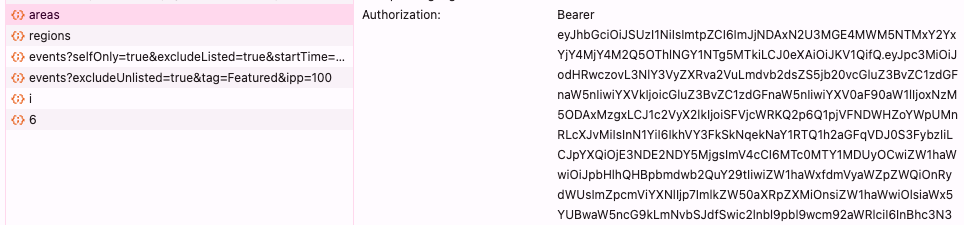
3. Get the Bearer token using dev tools in your preferred browser of choice, then view any request and check the headers
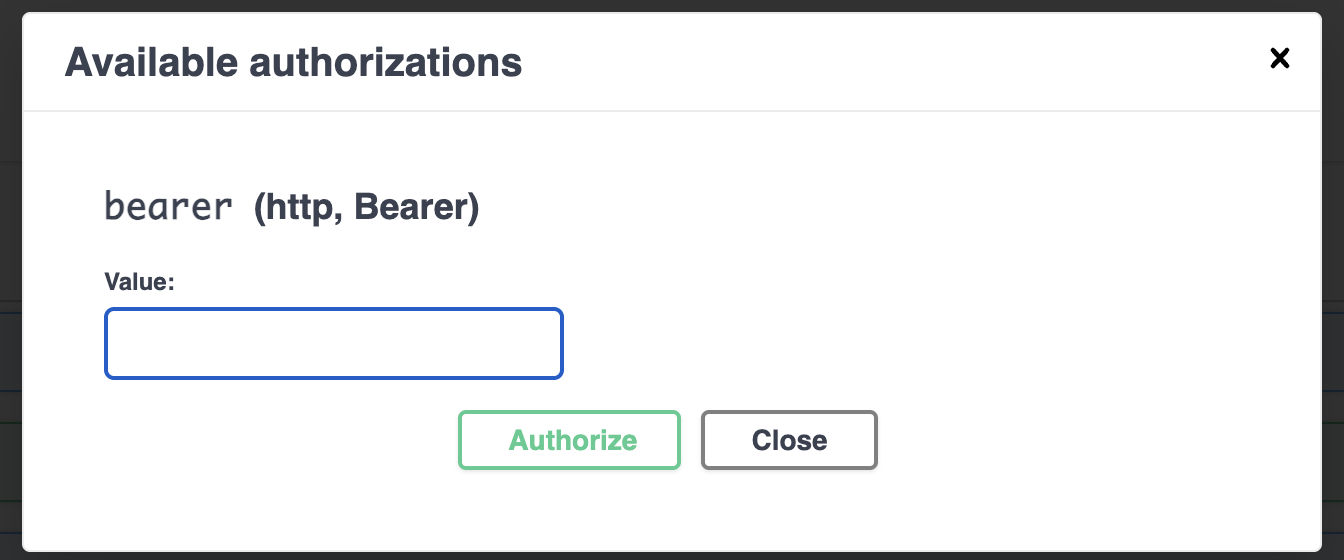
4. On the Swagger page, Authorize paste token, and don’t include the word Bearer
Data
Here are the subset of APIs we recommend using today:
Locations
Events
Customers
Orders
Kids
Agreements
Locations
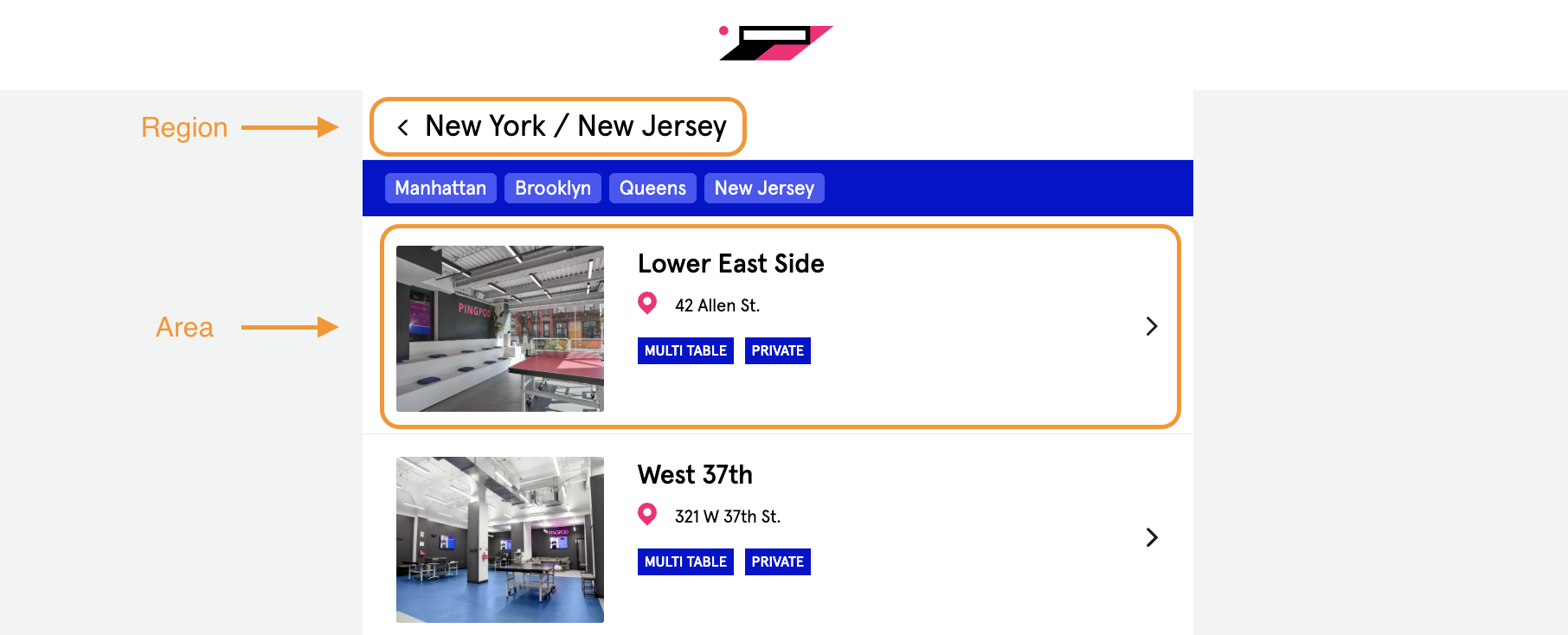
The hierarchy for locations, visible from the front-end (https://yourclubname.podplay.app/book) of the App, are the following:
Region - a grouping of locations, could be a city or a state or a geographic area
Area - a location with an address; some Clubs may have one Area, others will have many Areas
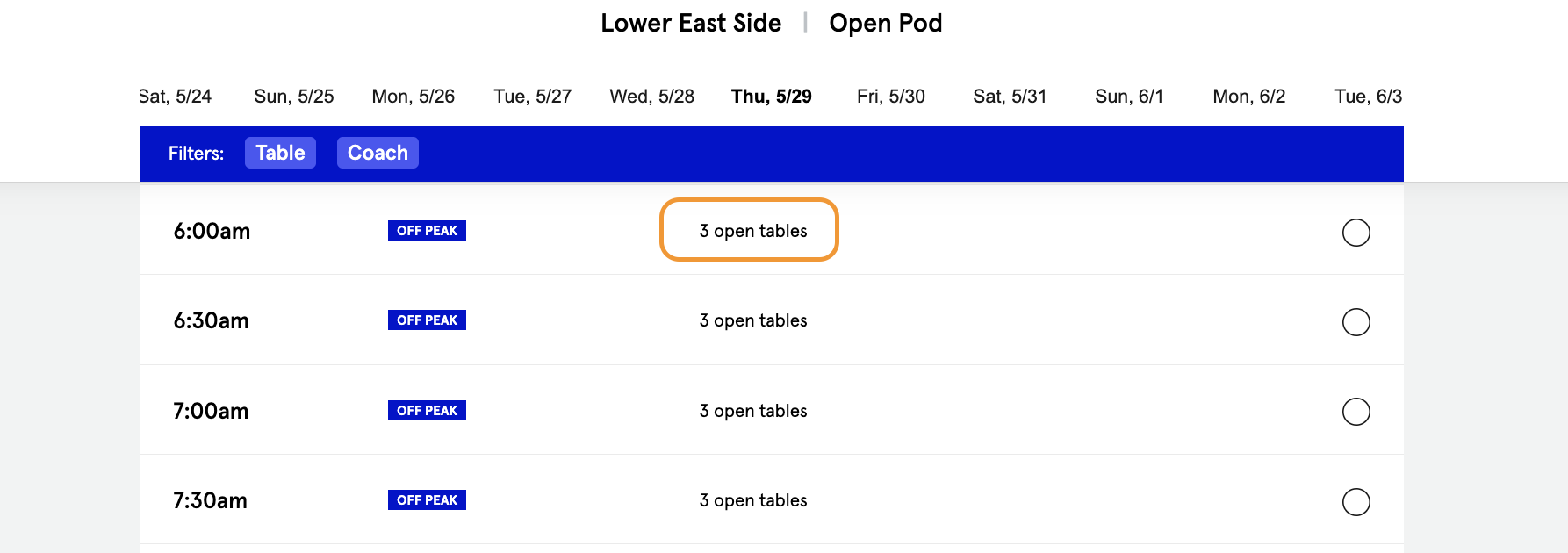
Pod - a section within an Area, often referred to verbally as an “experience;” each Area must have at least one Pod; examples include “indoor court” and “outdoor courts” or “pickleball courts” and “golf sims” (there must be a bookable ”experience” and can be divided up by sport)
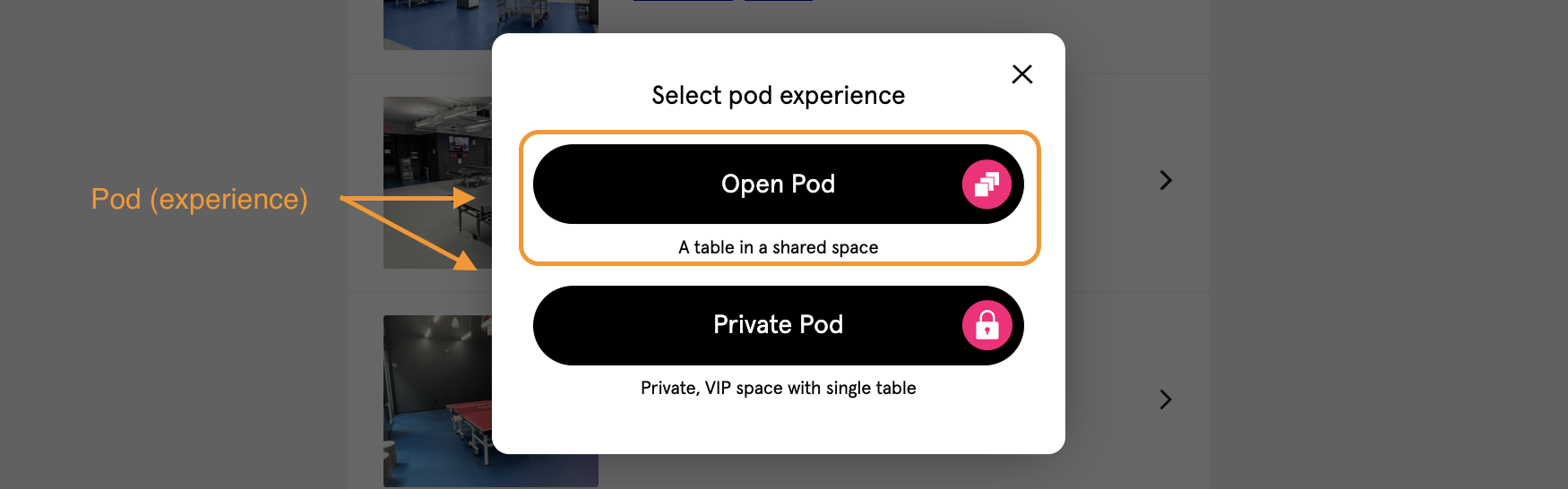
Table - the time-bound inventory for the Club, sometimes a court, bay, lane, pitch, net, etc.
Events
https://yourclubname.podplay.app/admin/v2/overview
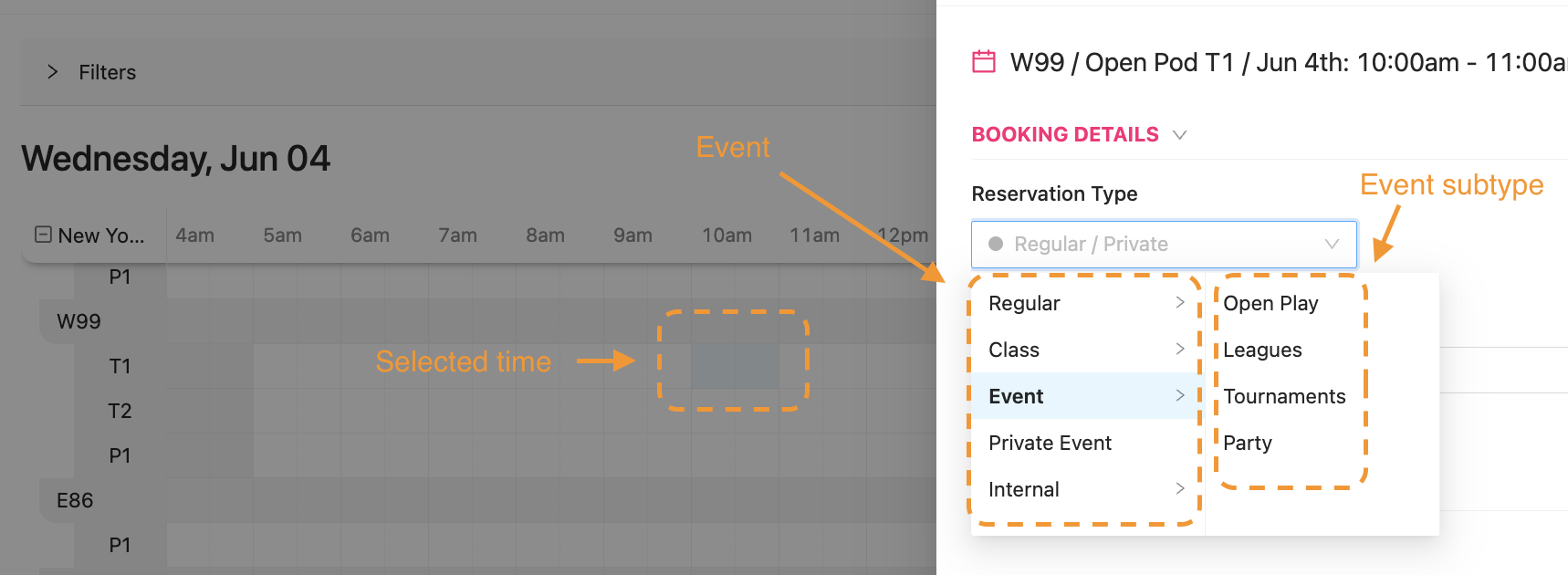
The main API for bookings could be a Customer’s private Reservation or an Event type (Open Play, Clinic, League, Private Event, etc.)
When a Customer is booking with the type: REGULAR, and subtype: PRIVATE, The bookedBy is the person who booked the Reservation, and this person (Customer) can invite guests (friends) to the Reservation.
A community Event is: EVENT, and the subtype OPEN_PLAY, TOURNAMENT, PRIVATE_EVENT, etc. Events are booked by the Club GM or the Event Coordinator, and then Customers sign up for the Event based on availability.
Customers
https://yourclubname.podplay.app/admin/v2/customers
Customers are accessed through the /users API. The required fields to make a Profile are first name, last name, email address. Optionally, a Club may ask for or require Birthday and Gender, and an agreement (Waiver). By default, a phone number is required to make a Reservation and not required upon Profile creation (unnecessary friction for the Customer to create a Profile). Email and phone number are both unique, and a phone number is verified with an OTP. Customers can only have one Membership at a time.
Orders
https://yourclubname.podplay.app/admin/v2/purchases
For every Purchase, there is an associated order. An Order can contain multiple order items, such as a Reservation (court booking) and a Coach (private lesson). It will also have a reference to a Payment (and there is no 1-to-1 relationship).
A single Payment can be for multiple Orders. The system tries to bundle payments whenever possible. If a Reservation booking or Event signup occurs <6 days in advance, a hold is placed on the Customer’s credit card and the order is made with the “Pending” status. The Order will settle 40 minutes after the Reservation/Event ends and moves to a “Confirmed” status.
Kids/Child
Kids are not a sovereign Profile. Kids are treated as guests within/on the parents’ Profile. Currently, a Kid can only attend Kids-only Events. This is defined by the field “admissionKids”. Kids cannot attend an adult Open Play (regular Event type Open Play created without toggling on the Kids-only box).
Agreements
Agreements can be of different types as defined by the Agreement DTO type. In most cases, the Agreement is a Liability Waiver. Depending on the Club’s quantity of Regions and Areas, a single Liability Waiver can exist for all Regions and Areas, or a Liability Waiver can be uniquely used for a single Area. A Kids Waiver/Kids Area Waiver is the same waiver, uniquely signed when creating a Kids Profile.