QR Code Scanner for Check-In
If your club would like to use QR codes for checking-in Customers, there is a QR code scanner you must purchase here on Amazon for $69, and is USB compatible. With the QR Code Scanner in hand, simply plug it into the front desk computer and the system will be ready to scan Customer QR codes for check-in.
Once you purchase and receive the QR scanner, let your PodPlay CSM know that you are ready for the feature to be turned on in your system.
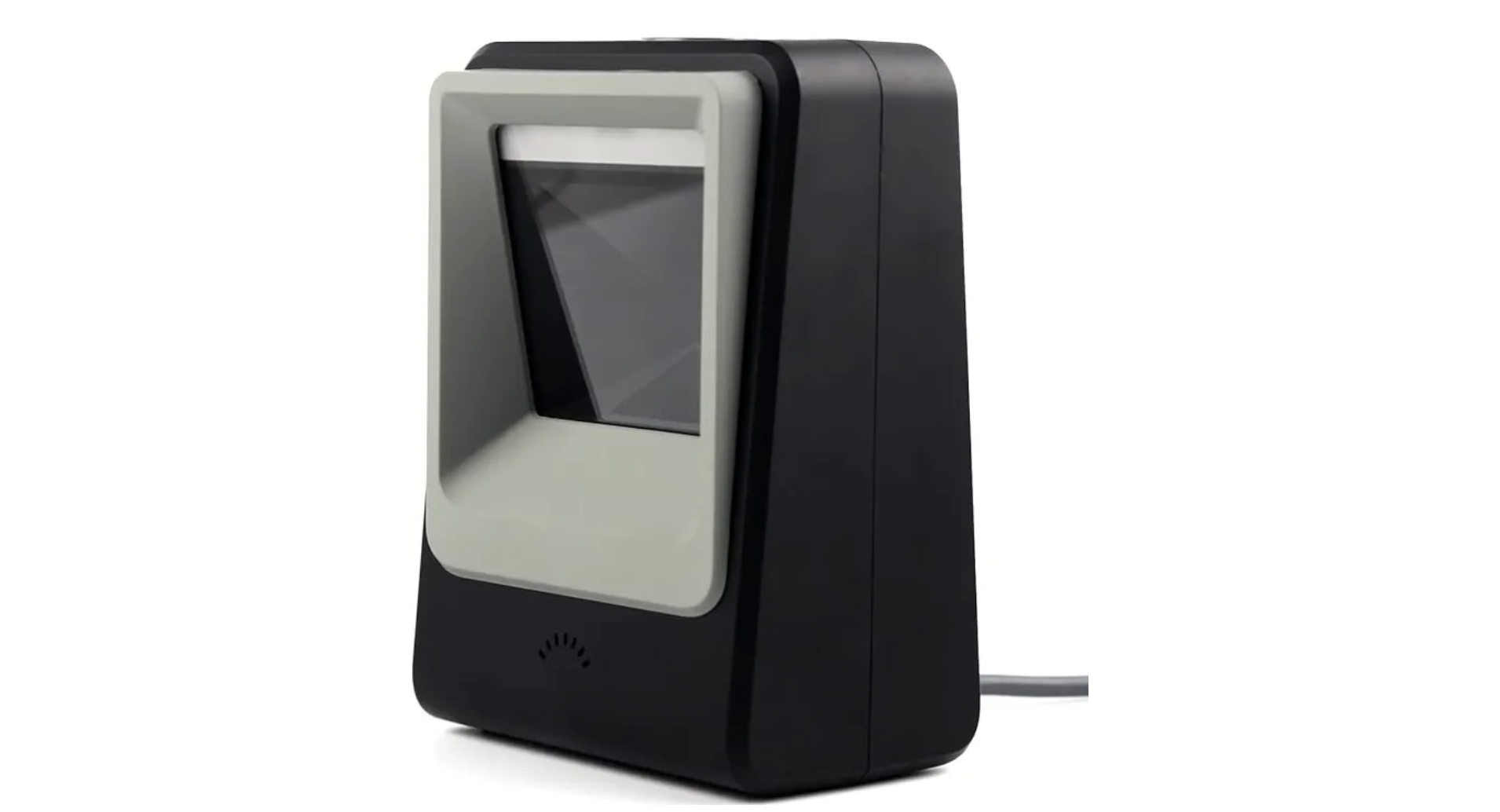
If the computer at your front desk requires a USB-C connection, this USB-C adaptor for $10 is also available.
To Use the QR Code Scanner
When a Customer comes into the Club for either a Reservation they booked or an Event they signed up for, there will be a Check-In button which appears before the start of the Customer’s Reservation or Event
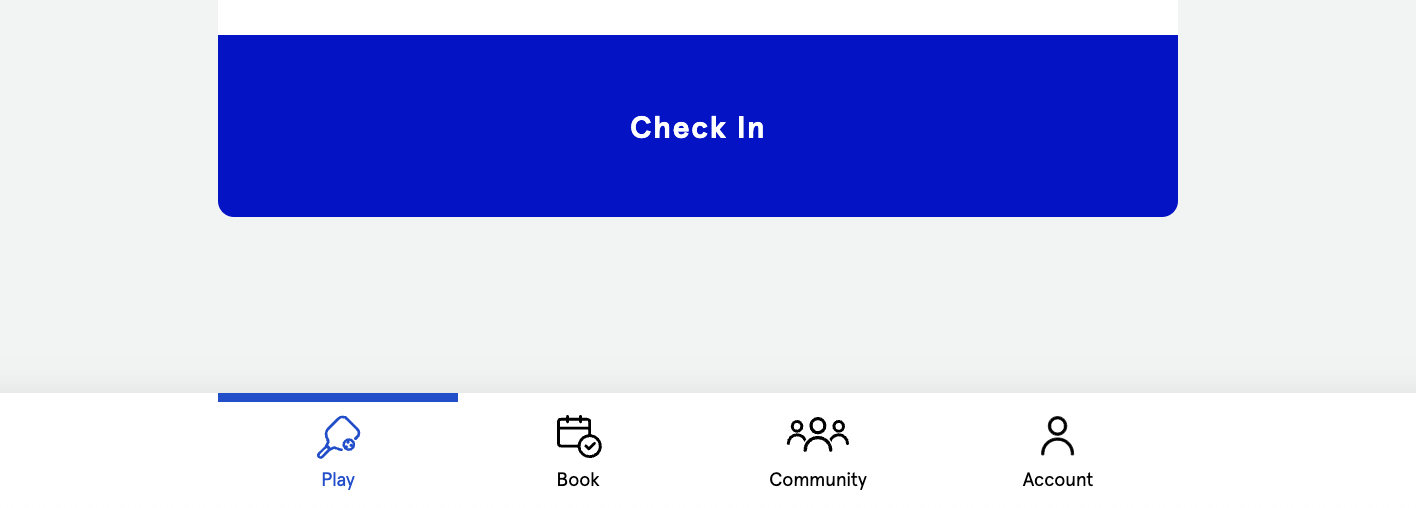
By clicking on the Check-In button, a QR code will appear
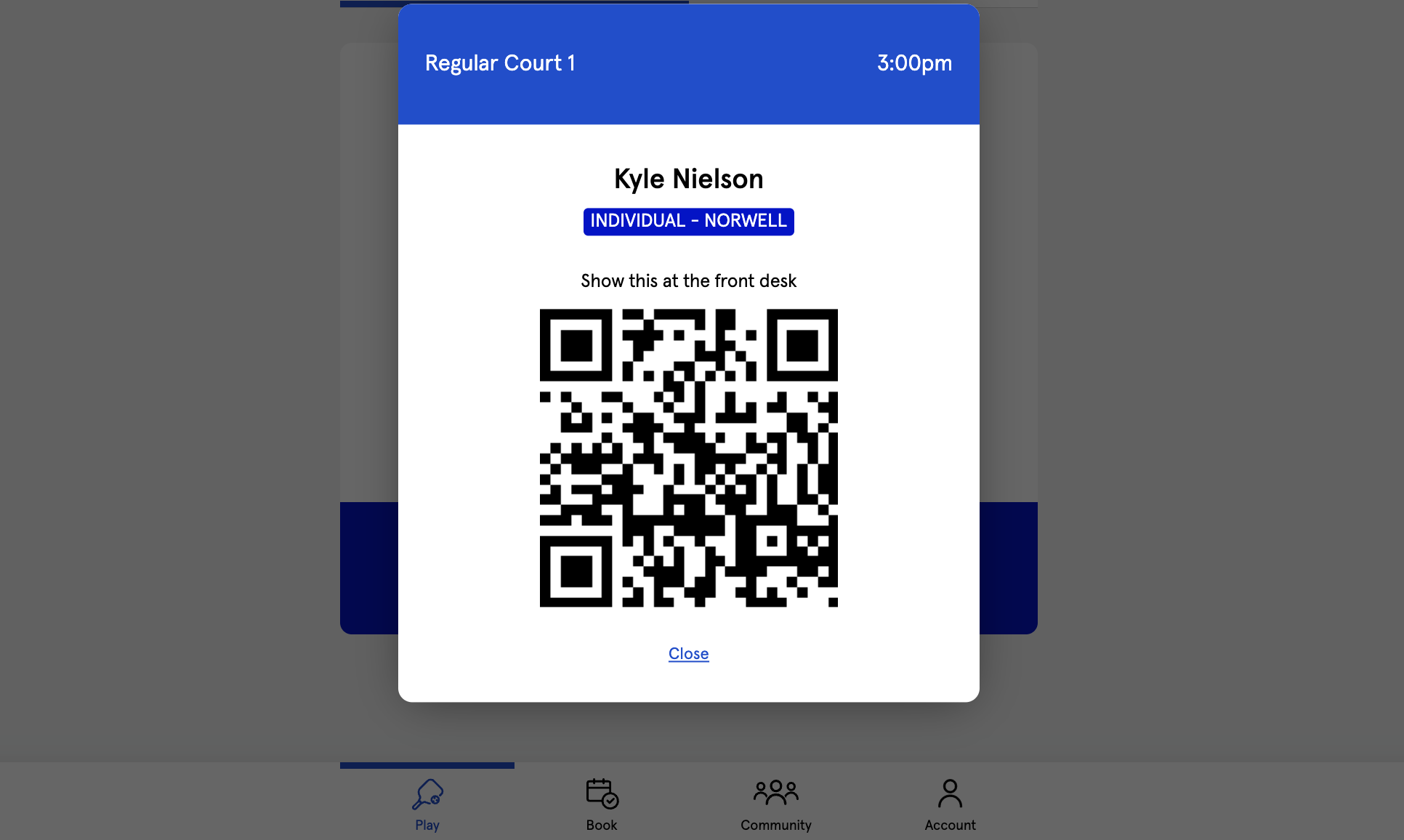
The Customer will wave this QR code in front of the scanner and here a buzzing noise which confirms the check-in
When the Customer checks-in, the Admin at the front desk will see one of two things happen:
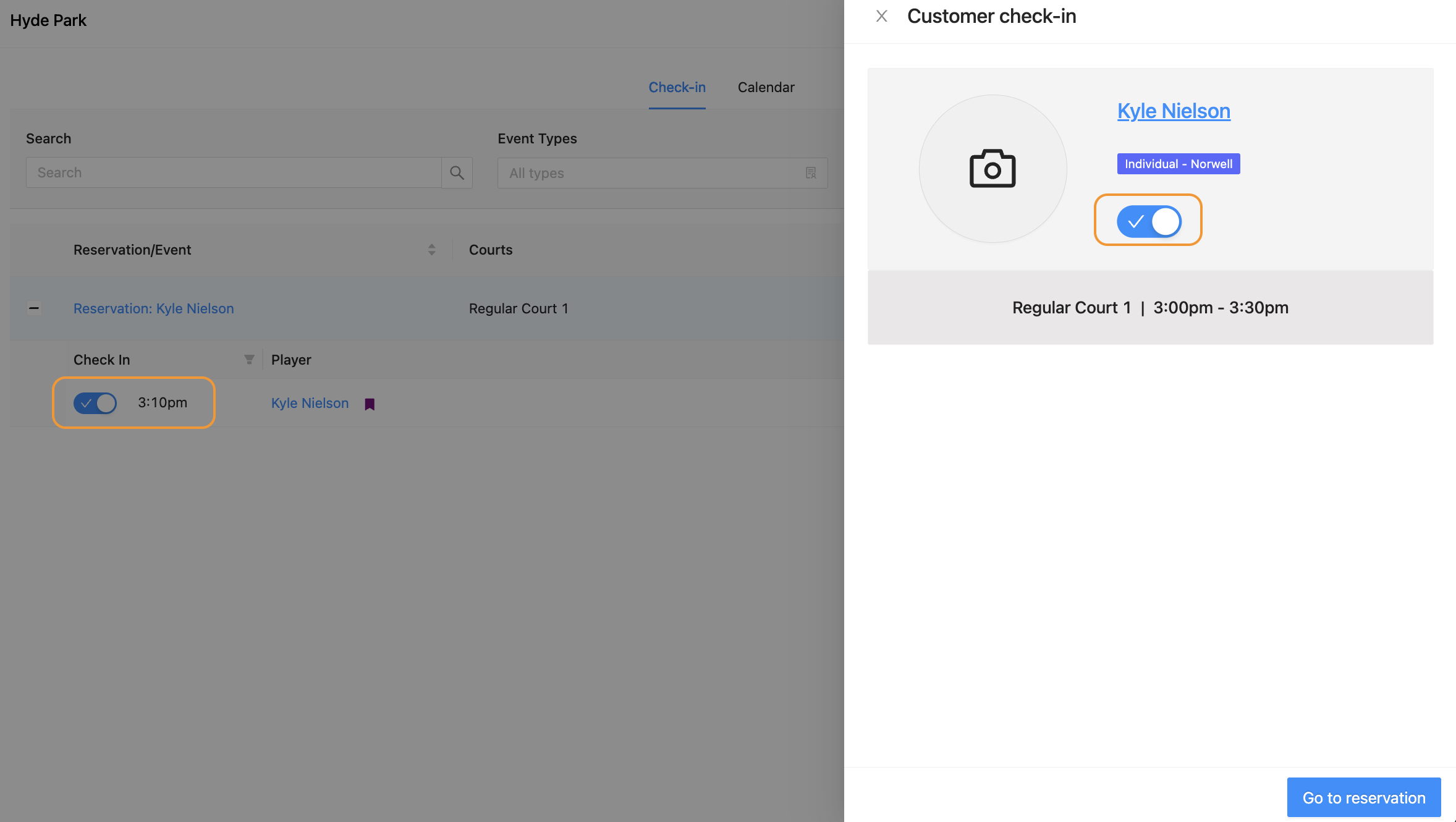
If the Admin is looking at the Check-in page, inside the Areas page of the Dashboard, a side panel will appear showing the Customer’s name and confirming their check-in
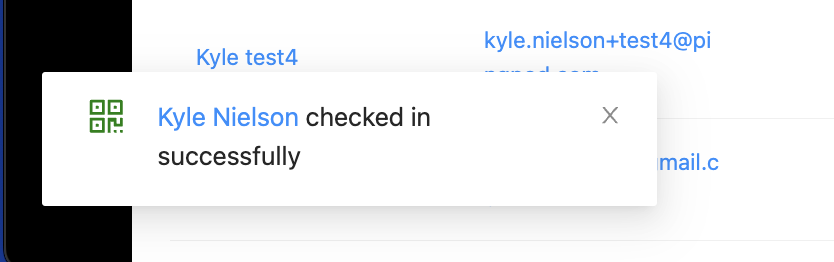
If the Admin is on any other page in the Dashboard, a small box in the bottom left corner of the screen will appear confirming the check-in
Below is a picture of the Admin’s view of the Check-in page when this page is open on the front desk computer
Below is the small box in the bottom left corner of the screen if the Admin is on any other page in the Dashboard