
Custom Rate for Memberships
Edited
Please note: only an Admin Role can update the Custom Price for a Customer’s Membership
To update the price of a Membership for a Customer to a Custom Rate, an Admin can:
Navigate to the Customer page of the Dashboard
Search for and open the Customer’s Profile
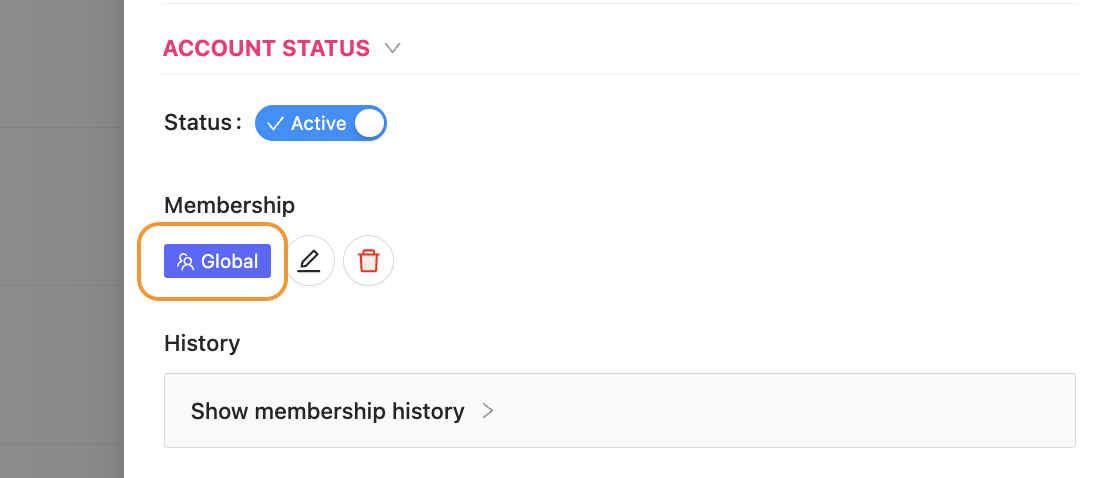
Click on the blue Membership flag
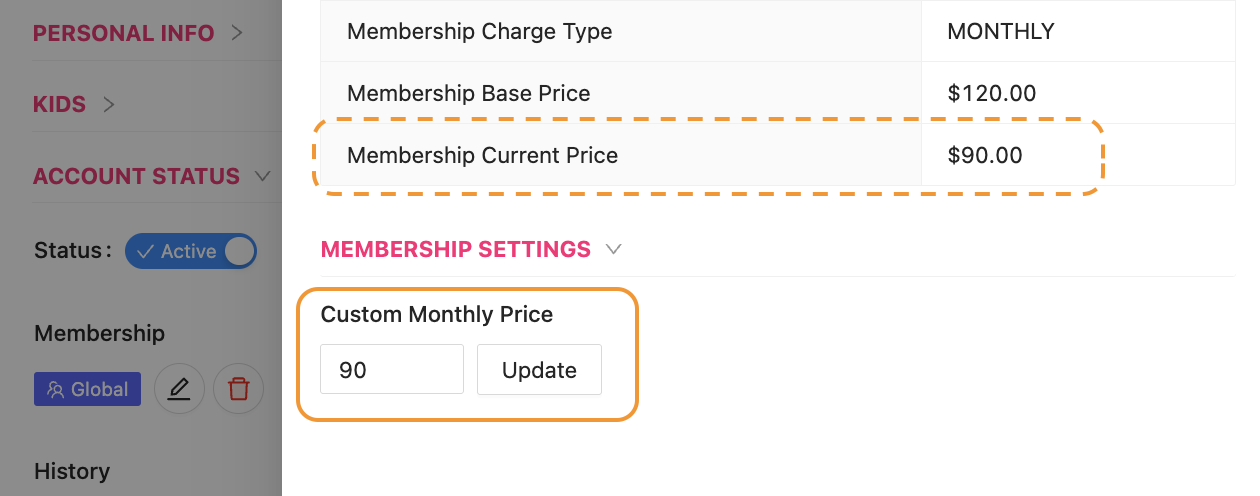
Type in a new value
Click the button Update
Notice the “Membership Current Price” has now updated
Close and save when exiting the Customer’s Profile
Give a Custom Rate
Custom Price for Memberships