
Click-to-Cancel Button
The default setting for canceling a Customer who wants to cancel their Membership is that they will need to contact the Club via email to request the cancellation. For a Customer to cancel their Membership, they can click on the “Cancel Membership” button at the bottom of the Membership page in the App.
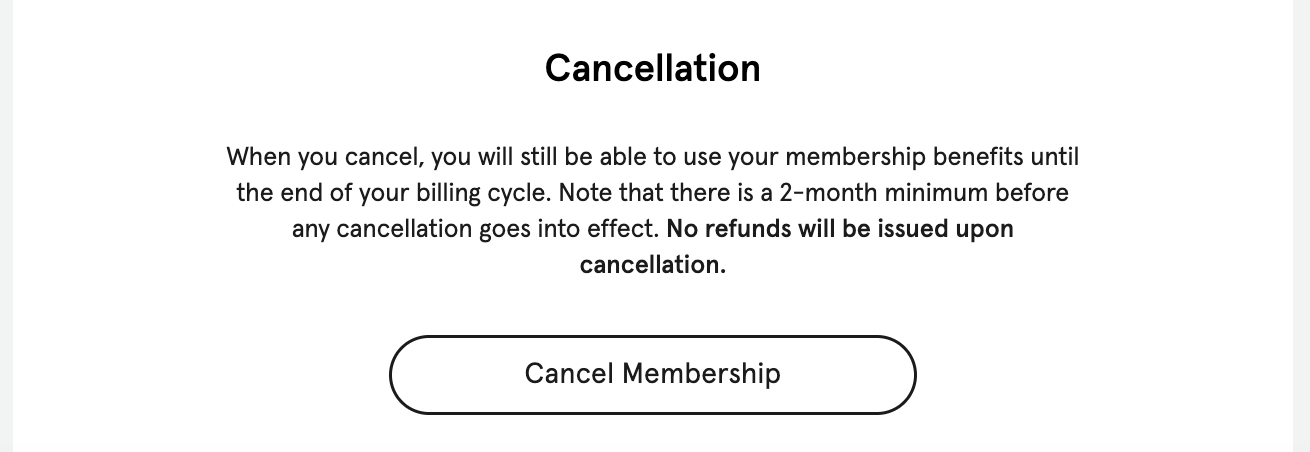
A federal regulation was almost passed called "Click to Cancel,” which would mean the Customer does not need to notify the Club by email when canceling their Membership.
UPDATE: This rule was blocked by the judicial courts and HAS NOT been implemented across the United States. WE WILL NOT TURN THIS ON unless your Club explicitly requests it.
NOTE: If your Club is located in California, local and state regulations require your environment to allow Customers to cancel their Membership with the click of a button. This rule WILL AUTOMATICALLY APPLY to the Customer’s cancellation of any Membership subscription if your Club is located in the state of California.
With the Click-to-Cancel button is turned on, the Customer will see a pop-up after pressing the “Cancel Membership” button on the bottom of the Membership page of the App.
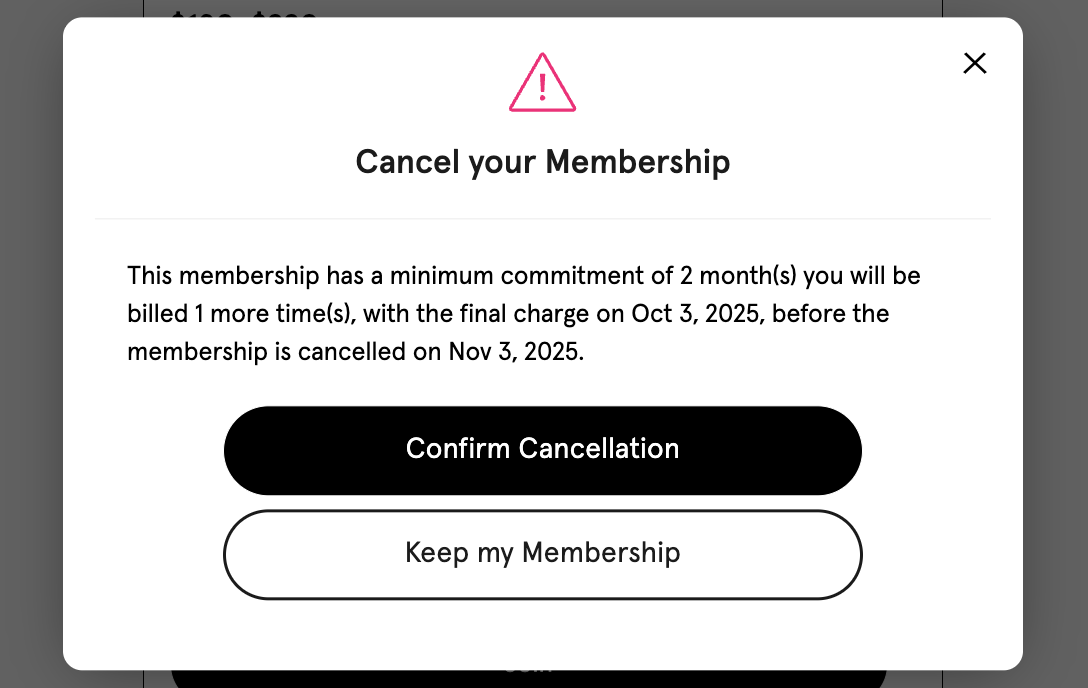
Any of your Club’s Minimum Commitment and Minimum Notice periods will automatically apply to the Customer’s cancellation. Meaning the Customer will continue to be billed until they hit their Minimum Commitment and Minimum Notice.