
Shop page Locations
If your Club only has one venue, only the single Location will appear in the top left corner of the page.
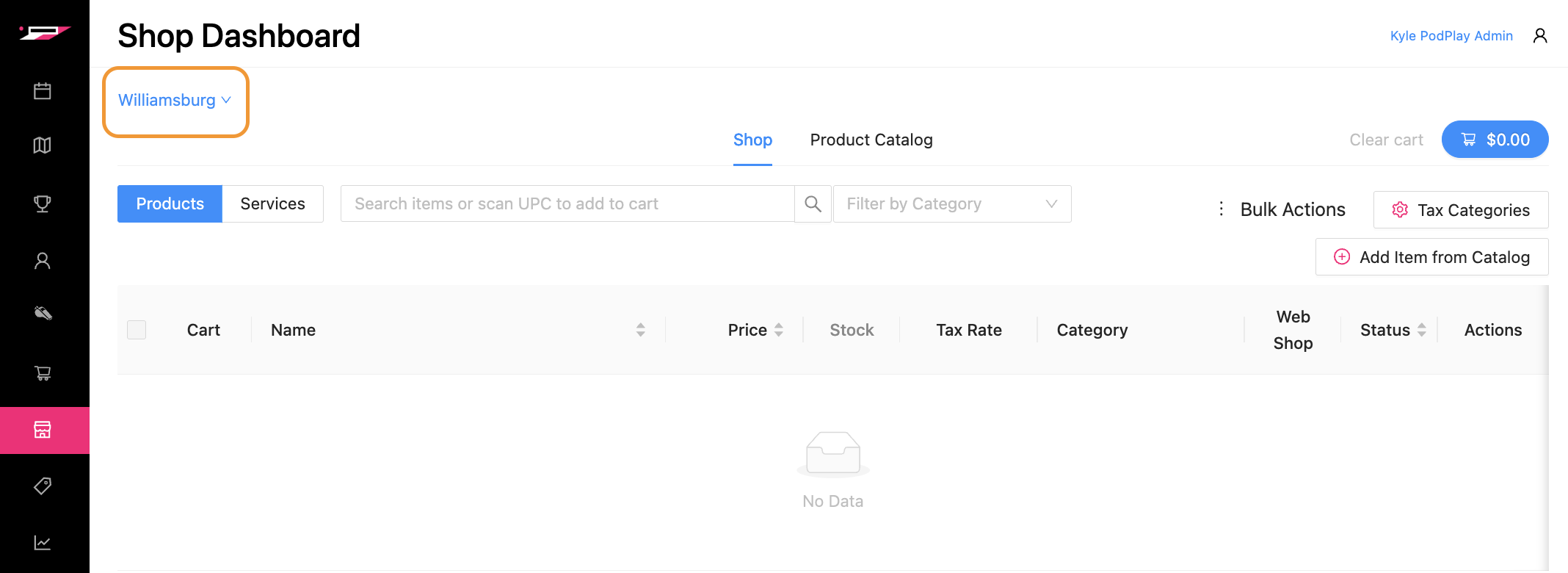
If your Club has several venues, then clicking on the Location name will show all of the available venues and their associated Location names.
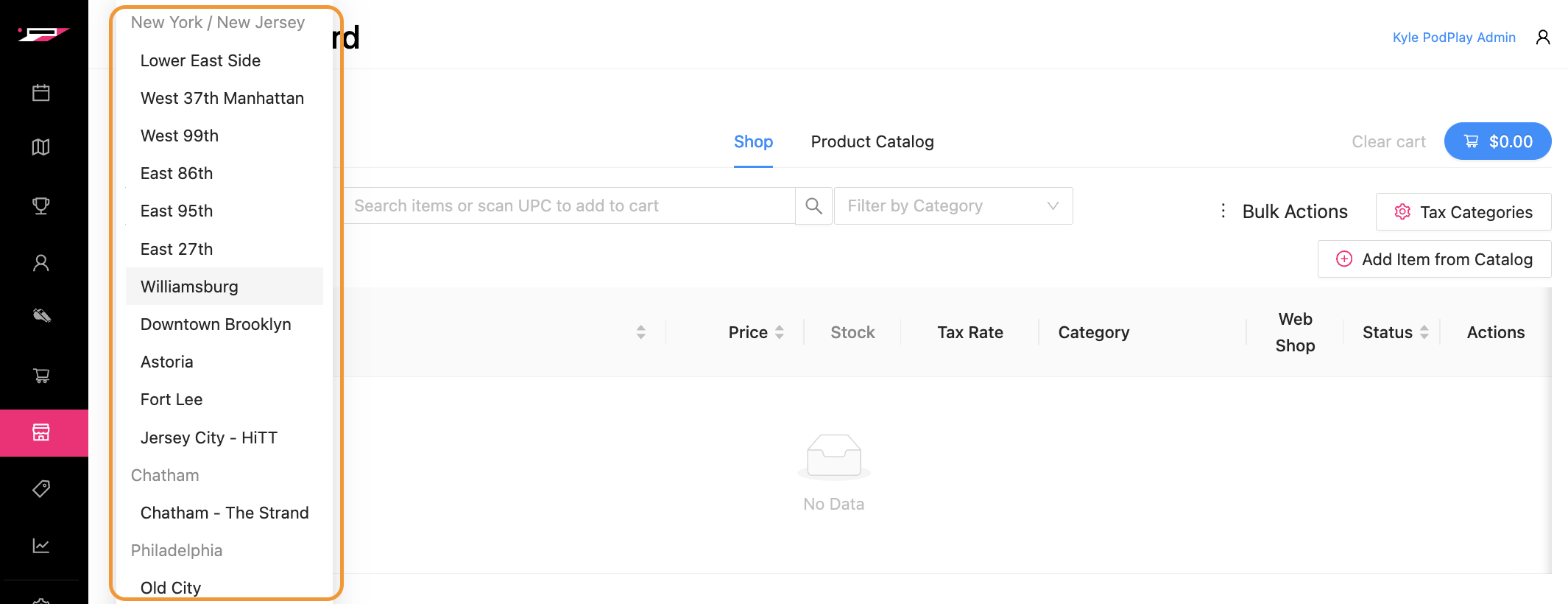
Each venue Location:
Can view all products inside the Product Catalog
Has a unique Shop list
This means that when Adding to the Product Catalog, these products are not automatically added to the Shop, and thus are not visible on the Shop area of the page. If you are reviewing a new venue Location added to your Dashboard, there will not be any products in the Shop.
As an example:
The Club has a venue location named Lower East Side
Items were previously added to the Product Catalog and then added to the Shop area
The Club opens a new location named Williamsburg
When reviewing the Williamsburg location, the Shop area of the page will be empty
An Admin will need to Add to Shop from the Product Catalog
NOTE: If you are a Location-specific Club owner and can only view one (or a few) of many Locations inside the system, or are a franchisee Club owner, you cannot add products to the Product Catalog area of the page. You can only review the Product Catalog and add items from there to your venue Location’s Shop.