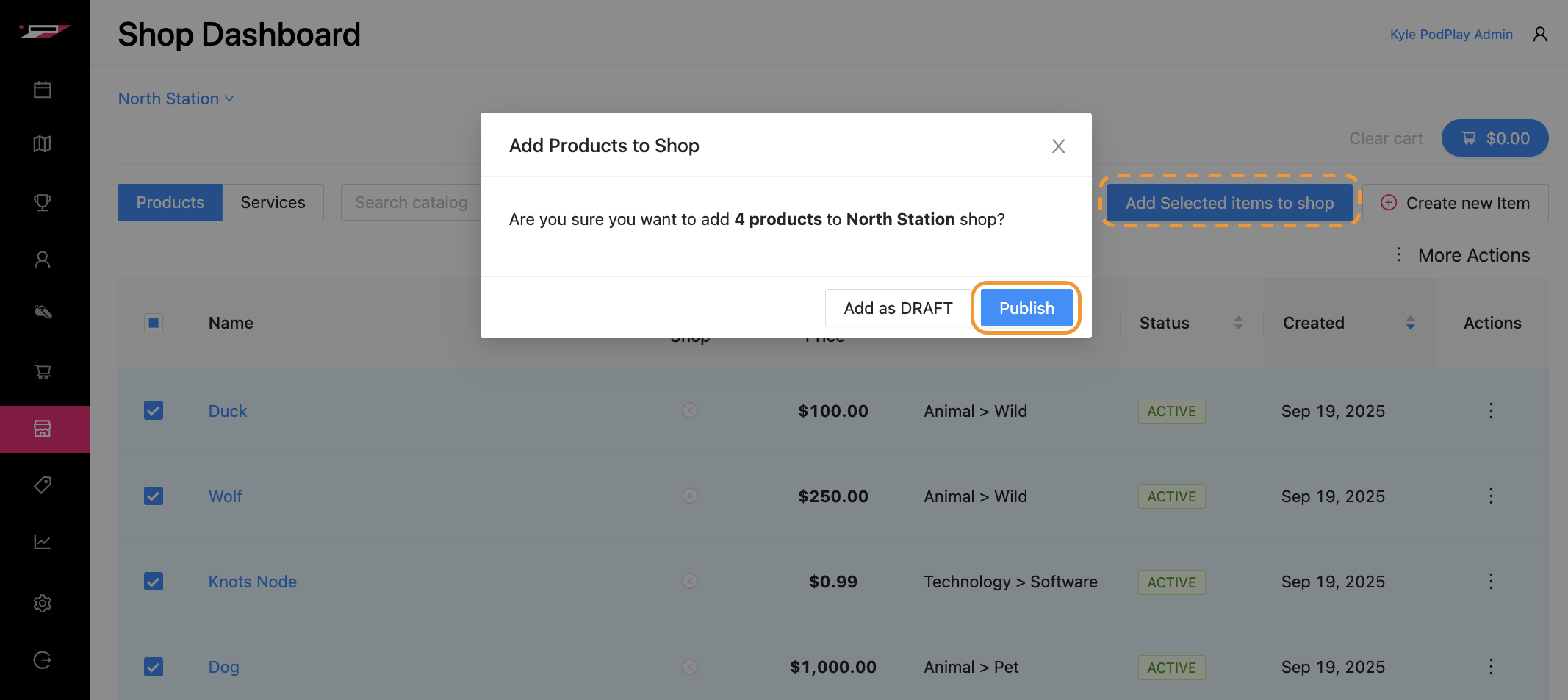
Add to Shop From Product Catalog
Once products to be sold are Added to the Product Catalog, you can now populate those products from the Product Catalog in to your Location’s Shop.
There are two ways to add from the Product Catalog to the Shop:
Move each product one by one
Move several products at once
Move each product one by one
To move a single product from the Product Catalog to the Shop:
Select the box on the far left of a product
Press the “Add Selected items to Shop”
Click on either Add as DRAFT or Publish (Publish will save you a step in the Shop area)
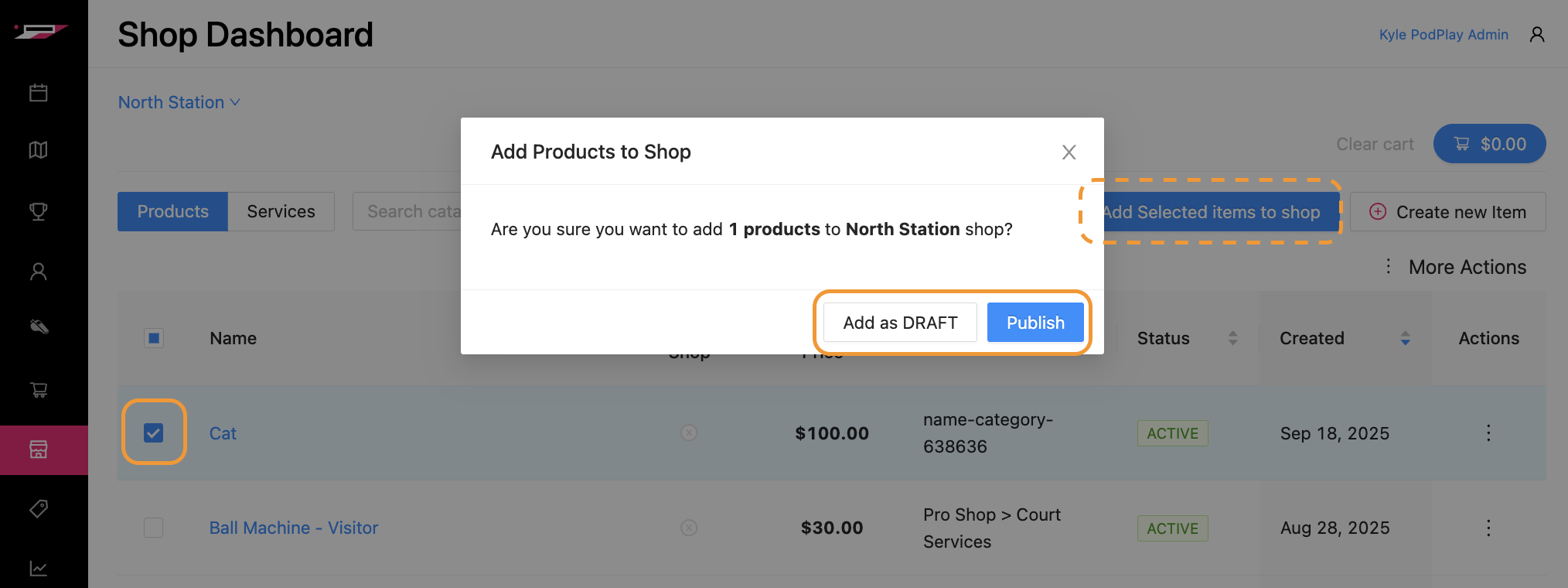
The item will then be visible in your Location’s Shop!
Move several products at once
To move several products from the Product Catalog to the Shop:
Toggle the box on the far left of all the different products you want to add to the Shop
Leverage the “Filter by Category” section at the top to select many products within the same Category and Subcategory
Press the “Add Selected items to Shop”
Click on either Add as DRAFT or Publish (Publish will save you a step in the Shop area)