
Instant Replays Not Showing on Scoreboard
If a Customer is asking why the Instant Replays are not working on the Scoreboard anymore, it is likely the Customer has toggled on the Skip function
When a Quick Replay is captured, the Customer can “skip” the Instant Replay that would show on the Scoreboard
To “skip” the Instant Replay, a Customer can:
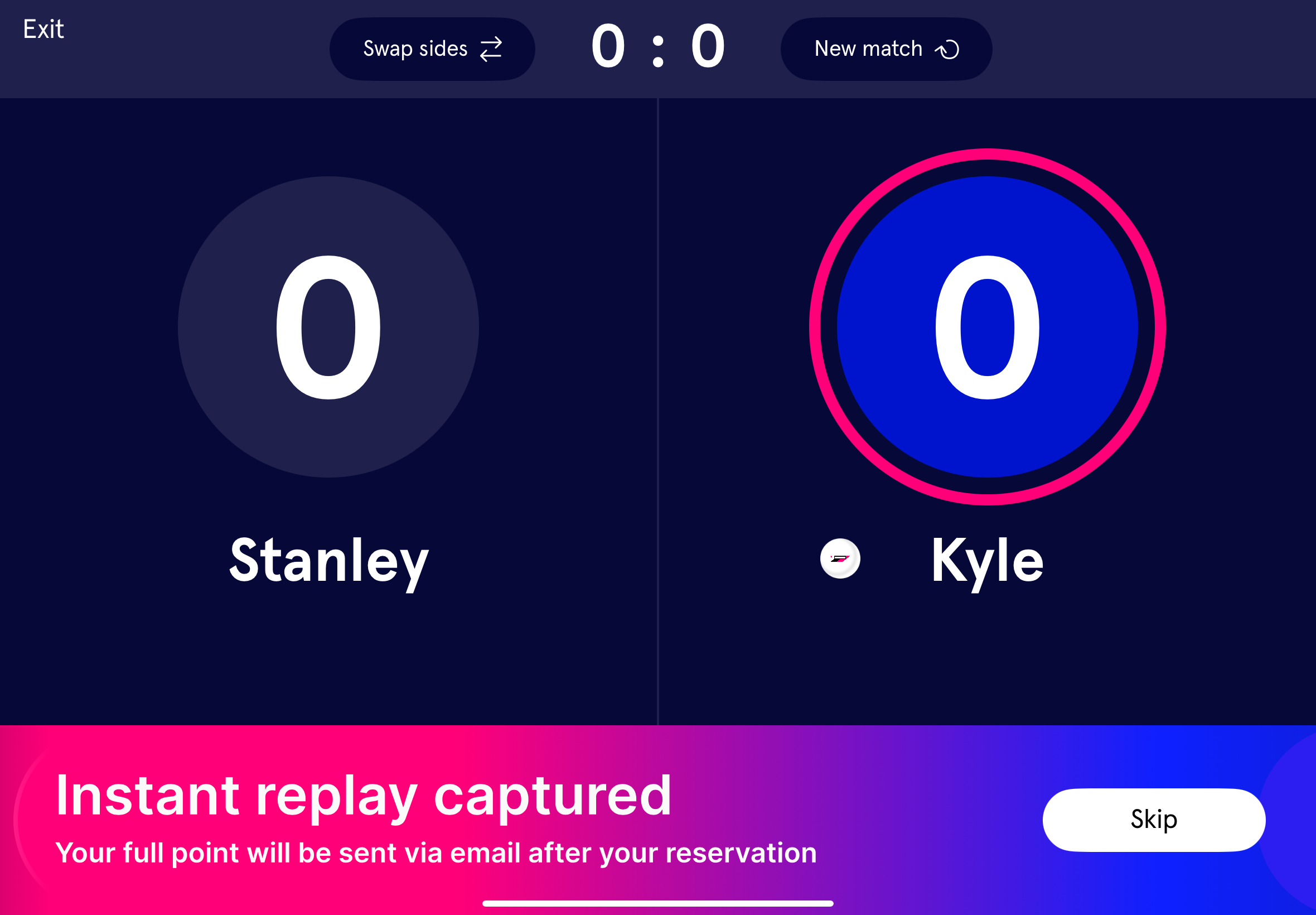
Click on the Skip banner, which pops up on the kiosk right after a Quick Replays is captured
Click on the Play Button again, and the Instant Replay will be skipped
To learn more, read about How Customers Keep Score
When the Instant Replay banner is present on the bottom of the kiosk, Instant Replays will show up on the Scoreboard
If a Customer clicks on the “Skip” button in the bottom right of the kiosk, the Instant Replays WILL NOT SHOW for the duration of the Reservation or Event
When another Quick Replay is captured with the Play Button, a new banner will appear on the kiosk asking if the Customer wants to “Show” the Instant Replays on the Scoreboard again; this “Show” button is on the bottom right of the kiosk
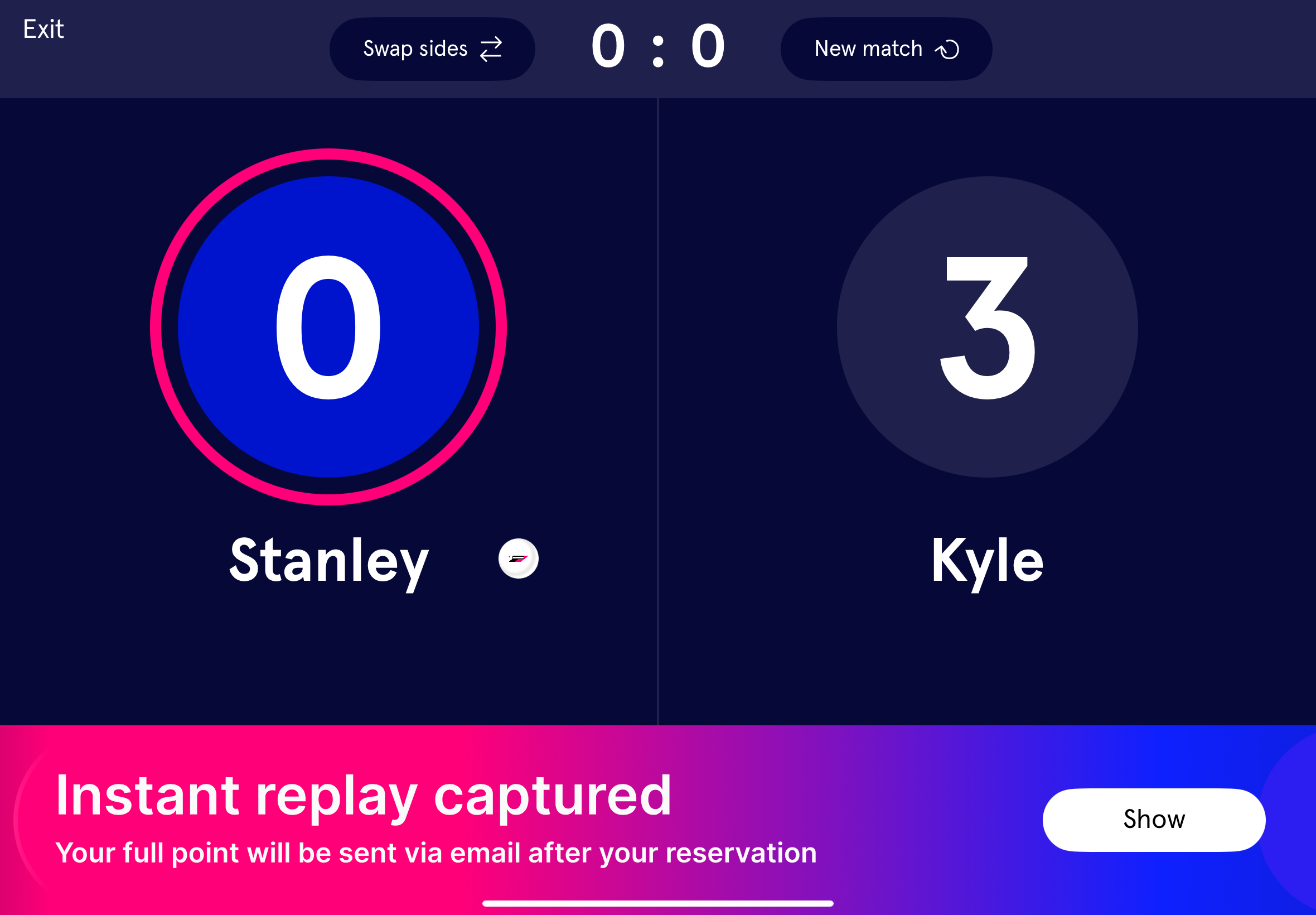
Once the “Show” banner has been clicked on again, the Instant Replays will once more show on the Scoreboard