
How do I Turn Replays Off?
Edited
An Admin can turn off both Quick Replays and Custom Replays for a Reservation or Event if this is a desired state
To turn off Replays, the Admin will:
Click into an Event or Reservation
Go into the Settings tab
Open the Advanced Features drawer
Turn off the Quick Replays and Custom Replays toggles
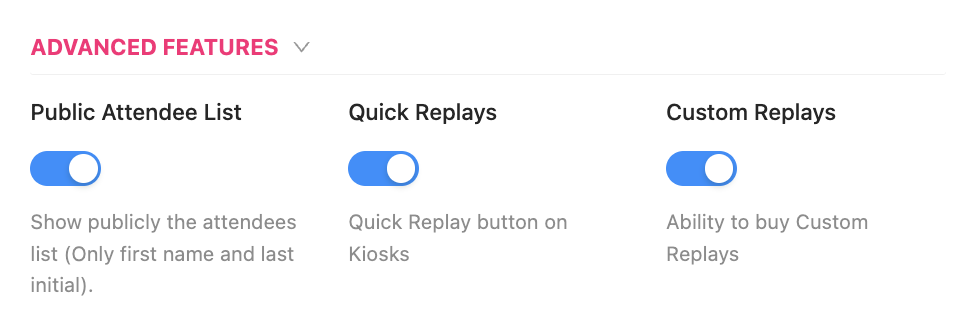
Once these toggles are turned off, Quick Replays captured during the matches on the court will not be captured or stored, and the ability for a Customer to capture Custom Replays after the Reservation or Event is over will not be accessible
Replays
Turn Off Replays