
How do Customers view their Replays?
Replays are available at the end of a Reservation or Event
There are two ways for the Customer to review their Replays
View the email the system sends the Customer who was an Attendee in the Reservation or Event
View the Replays inside your Club’s app
Replays via Email
Once the Reservation or Event is over, the PodPlay system sends the Customer a list of all of the Replays captured via email
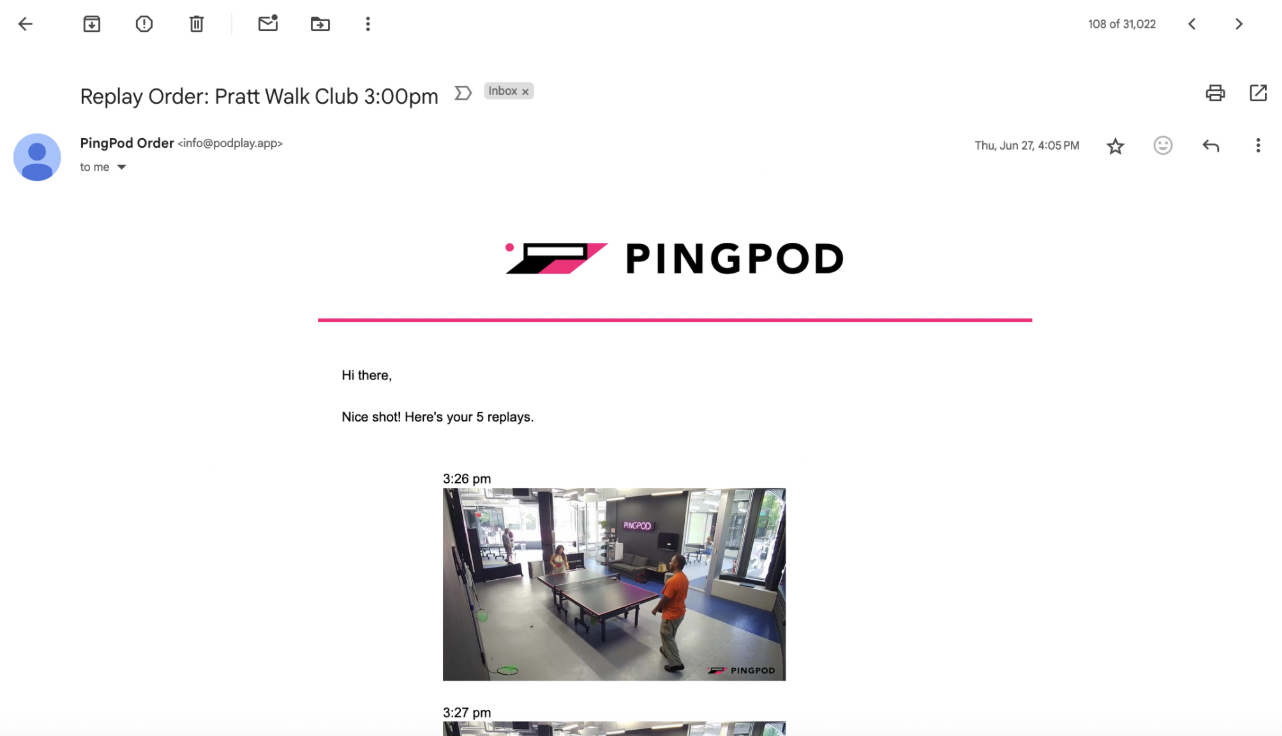
The Customer can view and click on these Replays inside the email, opening up the Replay inside a unique web page
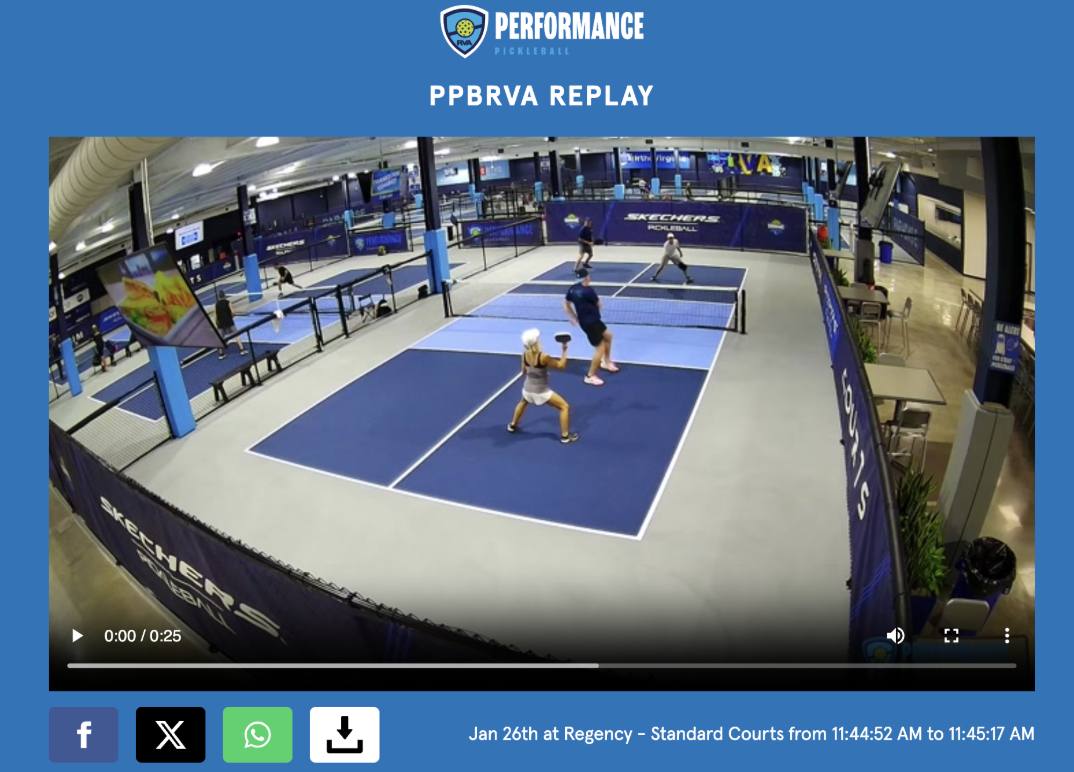
From here, the Customer can upload, download, or send the Replay directly to select social media platforms
Replays inside the App
Once a Replay is captured, it is stored on the Customer’s Profile
If the Customer wants to view the Replay, once the Reservation or Event is over, they can
Open your Club’s App
Navigate to the Reservation tab at the bottom
Click on the top tab labeled History
Click on a specific previous Reservation or Event
Scroll to the bottom
Review the captured Replays in a carousel during the Reservation or Event
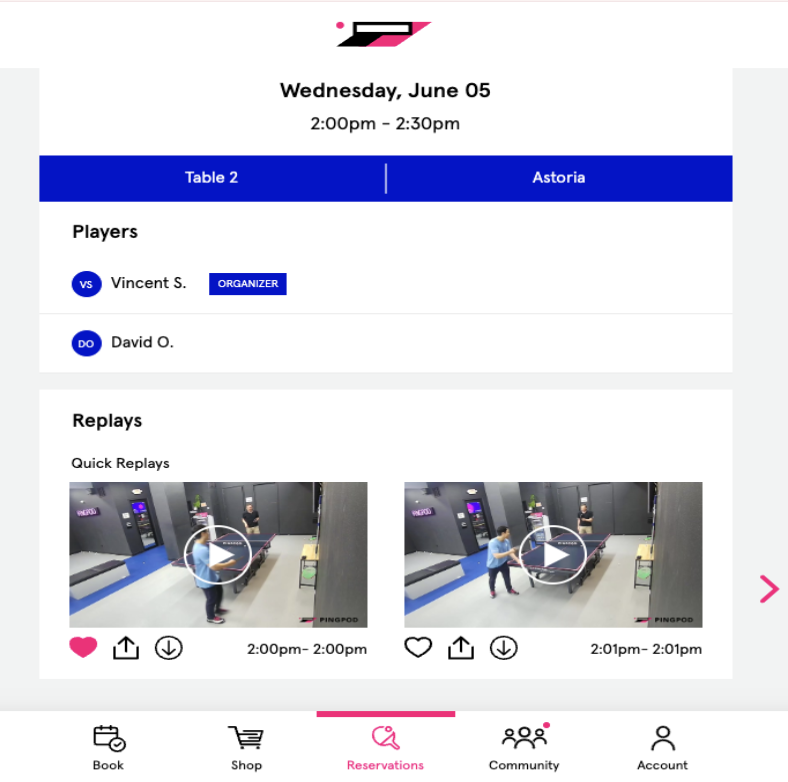
From here, the Customer can download, upload, or favorite a Replay
Once a Replay is favorited, the Customer can review their favorite Replays inside the button labeled Favorite replays in the Account tab of their App
To learn more about capturing Replays, read What is a Replay and how does it work?