
Shop page Overview
Overview of Shop
The Shop is a new page on the Dashboard where your Club can charge Customers for products purchased at the front desk.
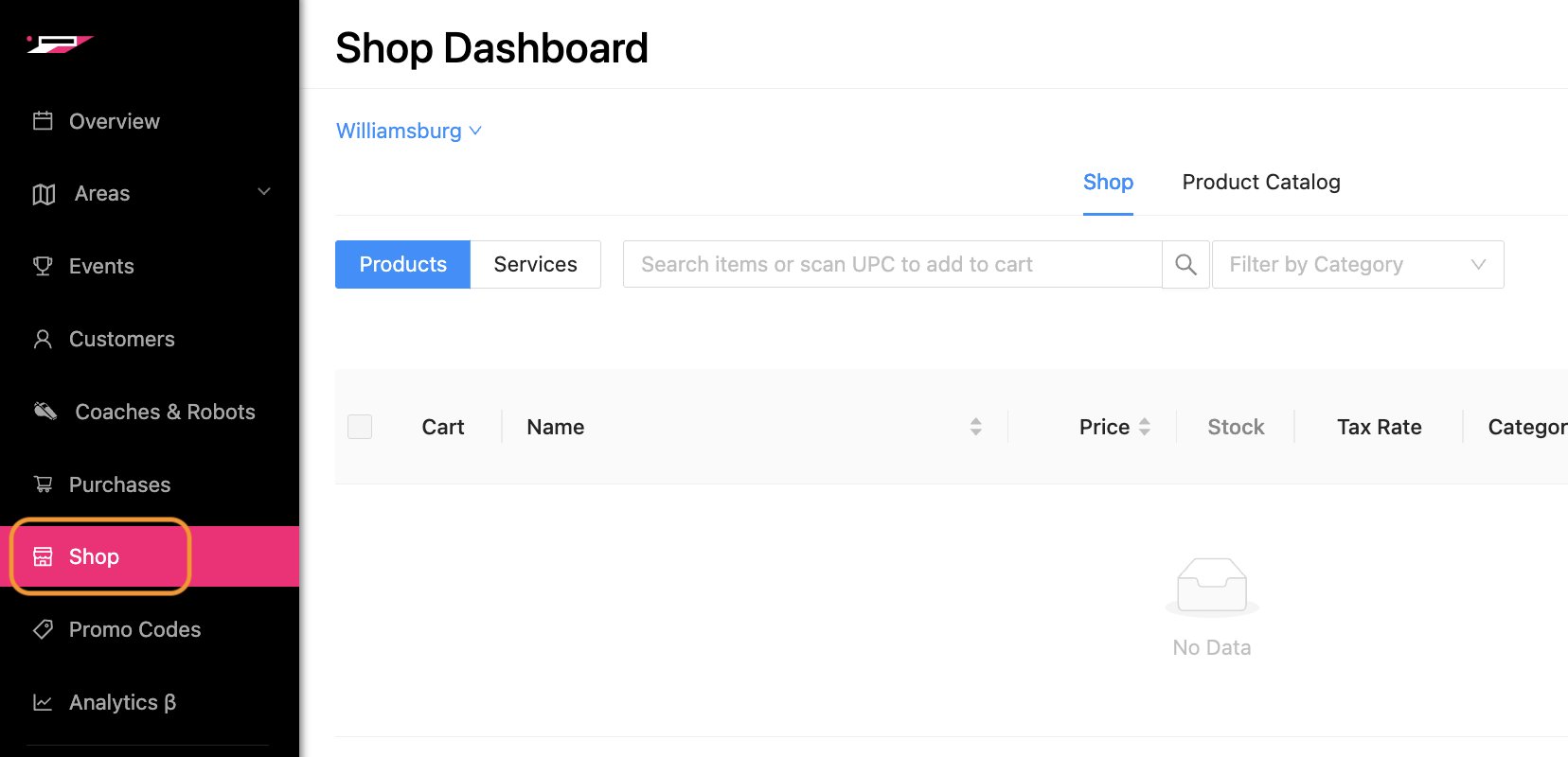
There are three main areas on this page:
Location: toggle between Club venues; available if you have more than one location in your system
Product Catalog: products are loaded into the Shop; drafting space for products
Shop: products are added to a shopping cart and charged to a Customer; public facing products
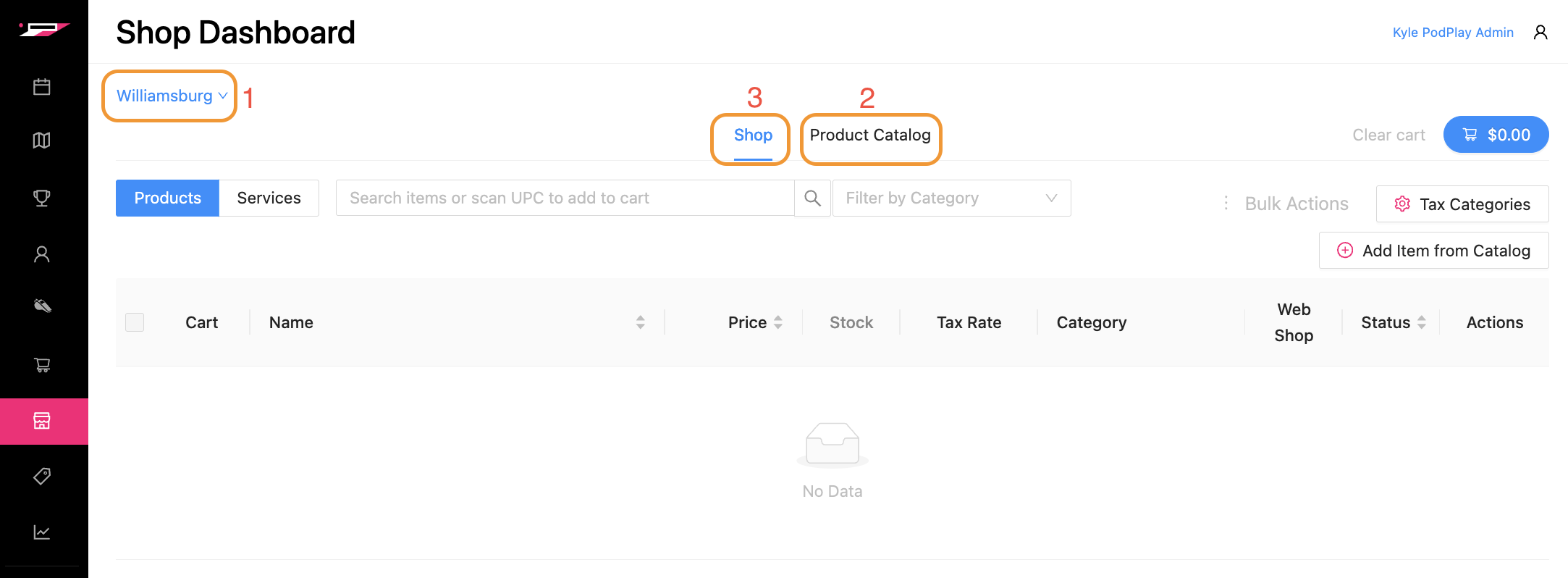
Locations
Toggle between Club venues; available if you have more than one location in your system. Learn more in the article: Shop page Locations.
Product Catalog
Products loaded into the Shop are first added to the Product Catalog. Once there, products can then be moved from the Product Catalog to the Shop.
Think about it like this:
Product Catalog: This is a drafting space to add products which are not visible
The Shop: This is a public space where products can be added to a shopping cart and charged to the Customer
NOTE: If you are a Location-specific Club owner and can only view one (or a few) of many Locations inside the system, or are a franchisee Club owner, you cannot add products to the Product Catalog area of the page.
To begin adding products to your Product Catalog, check out the article Add to the Product Catalog.
The Shop
Once inside The Shop, an Admin at the Front Desk of your Club can: